A Day in the Life of a Design Engineer
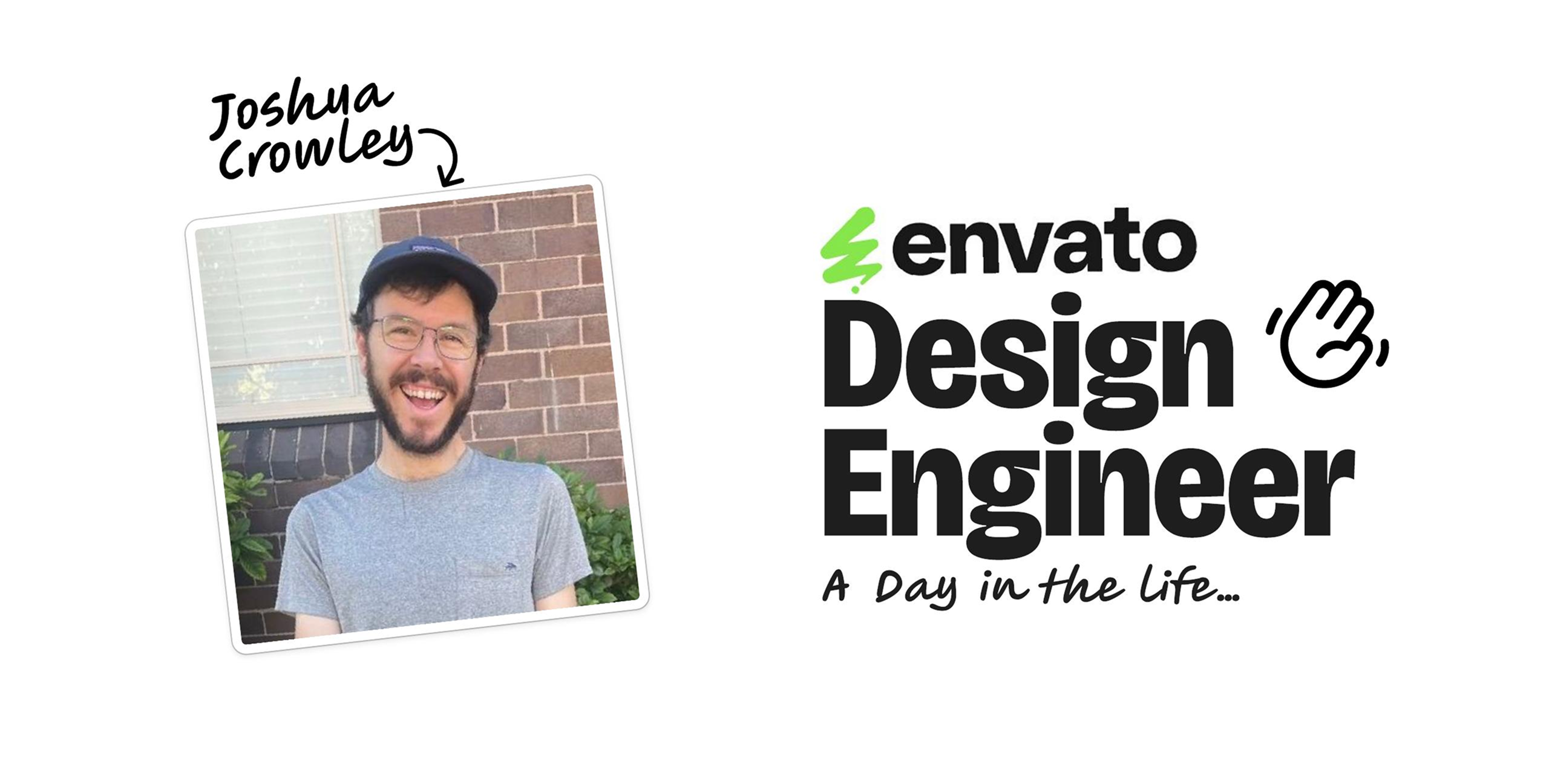
This is the written version of a talk I gave at Design Outlook 26. I'm Josh Crowley, a design engineer at Envato — and the first one there. People kept asking what does a design engineer actually do all day? So instead of describing the job, I showed my daily habits.
The same three habits have followed me across three eras of my career — print design, UX design, and now design engineering: Collect · Combine · Collaborate. The keystone that ties them together is capturing ideas as small, single-file HTML prototypes — one file you can play with, reason about, share, and iterate.
Below you'll find the keystone technique broken out on its own, then the links I mentioned, and finally the full deck slide-by-slide with the talk transcript alongside each slide. Grab whatever's useful and make it your own.

HTML tips & tricks: single-file prototypes
The one thing I hope you take from the talk. How I capture ideas as small, single-file HTML prototypes — playing with them, sharing them, and iterating with an agent.
Read the how-toLinks & references
- Maggie Appleton — Design Engineers — on the design engineer role itself. Good background for the "what does a design engineer do?" framing in the intro.
- Geoffrey Litt — malleable, end-user software and building your own small tools. The spirit behind Habit #1's collection of single-file HTML prototypes.
- Robin Sloan — Home-Cooked App — software made for a handful of people you know. Speaks to Habit #3: sharing HTML files as "little gifts" and making the next person faster.
- Simon Willison — a relentless feed of trying AI ideas and writing them up quickly, and a fellow fan of building small single-file HTML tools. The AI-era version of Habit #1 — cutting through the hype by actually rebuilding things.
- Cursor — the agentic workspace I combine and refine prototypes in (Habit #2).
- Cloudflare Drop — deploy a single HTML file and share the link in seconds (Habit #1).
gemini-html— my collection of single-file HTML prototypes to riff on, each playing with an individual Gemini capability (Habit #1).- An Agent is an Office — my visual essay on what an agentic workspace actually feels like.
- A LLM is a Room — understanding AI through spatial metaphors.
- Jagged Peaks — the AI landscape, and how I run workshops for teams.
The talk, slide by slide
Intro
01Acknowledgement of Country
Okay, I acknowledge the traditional owners of the land which we gather today, the Wurundjeri Woi Wurrung and Bunurong Boon Wurrung peoples of the eastern Kulin Nation. We pay our respects to the elders past and present and emerging and recognise their enduring connection to country, culture and community. So, hello, I am Joshua Crowley and I am a design engineer at Envato.
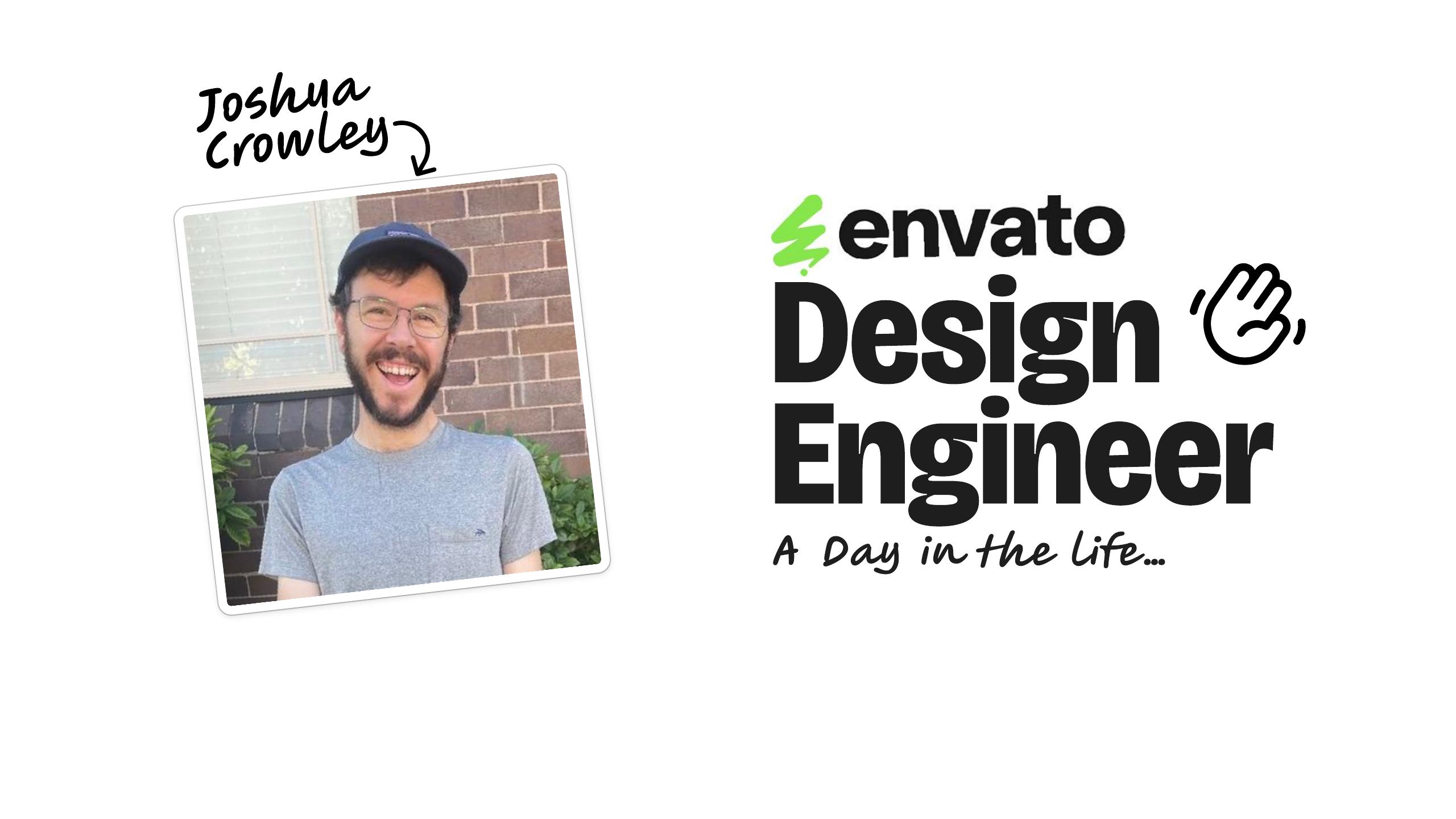
02Josh Crowley — Design Engineer at Envato · "A day in the life"
It's so lovely to be here with you today in Melbourne and representing Envato, a truly legendary Melbourne tech company. And that fact is not at all diminished by the fact it was started in Sydney.
03Started in Sydney (like Envato)
I just mention it in passing because I am from Sydney myself and I love that we have that in common, me and Envato.
04Envato started 2006 — my ~20-year design career
And it was also started in Envato in 2006, almost 20 years the business has been going and as it happens, that was the year I started my vocation in design, starting uni and I've had a 20 year career when you consider it that way. And at Envato I am working on our new suite of Gen AI tools, it's quite a few.
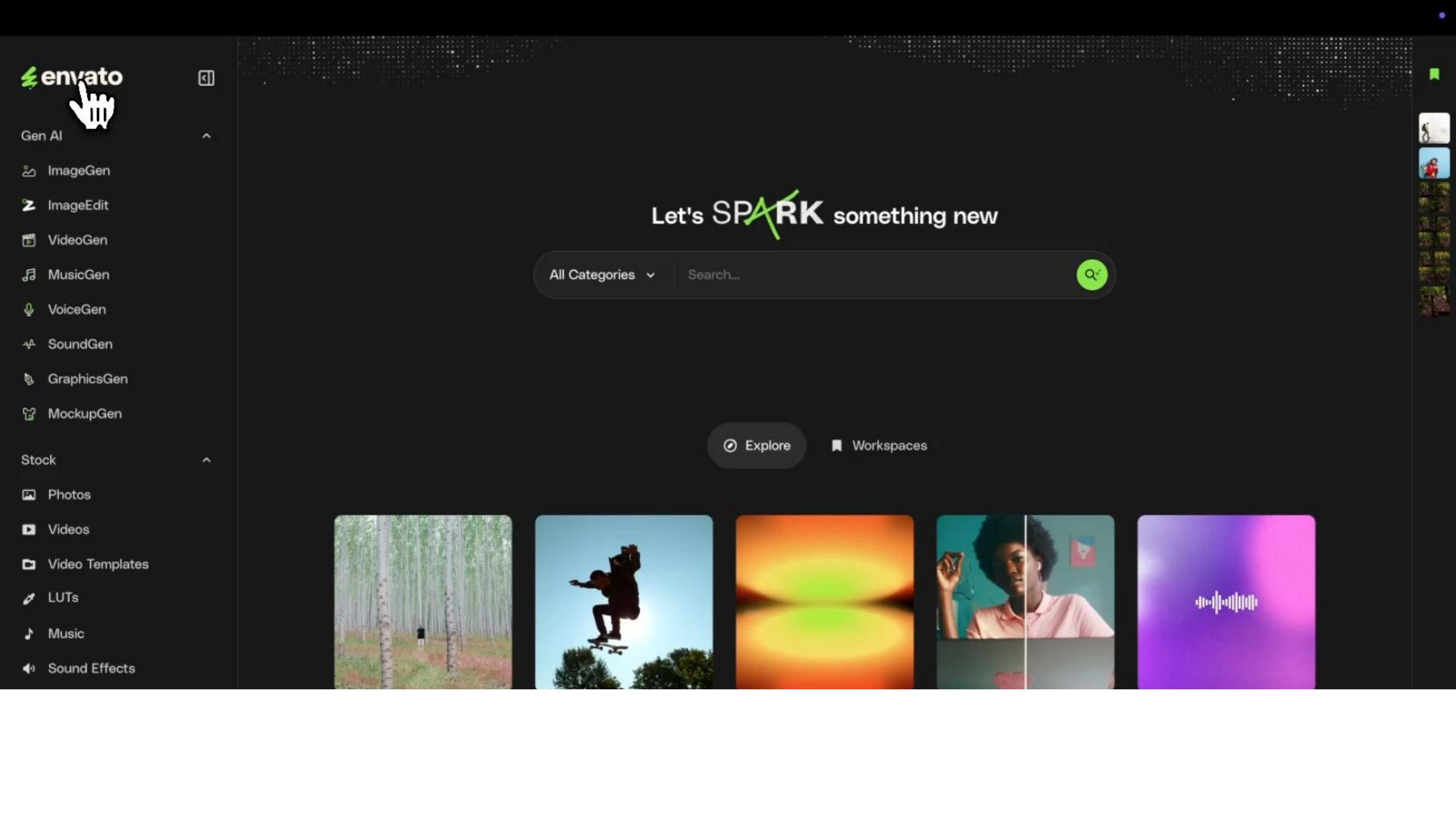
05Working on Envato's Gen AI tools — VideoGen is my favourite
My favourite is definitely the VideoGen one, I think it's so amazing what videos we can create with using our creativity and all kinds of new techniques, it's really empowering creative pros to do stuff that they wouldn't be able to do otherwise.
06The first Design Engineer at Envato
And yeah, one other special connection I have with Envato is I'm the first design engineer there, it's pretty special.

07"What's your day look like?" — I'll show you my habits
And naturally being the first, there's lots of people who ask what it is to be a design engineer, what does your day look like? Well I thought instead of just telling you what my job is, I'll show you what my daily habits are.
08THREE HABITS — Collect · Combine · Colab
And it's interesting, these habits when I sat down and really thought about them, I was surprised at how specific they were and so consistent. And if you look across my whole career, that sort of followed me along and it just makes
09THREE ERAS — Print · UX · Design Eng.
sense, you know, I've been doing this for a while and starting from my ways. So I'll be introducing you to ways that I use these habits in print design, UX design and now design engineering of course. Okay, so the first habit is this concept of like collecting and for me it's definitely
Habit #1 — Collect
10HABIT #1 — Collect
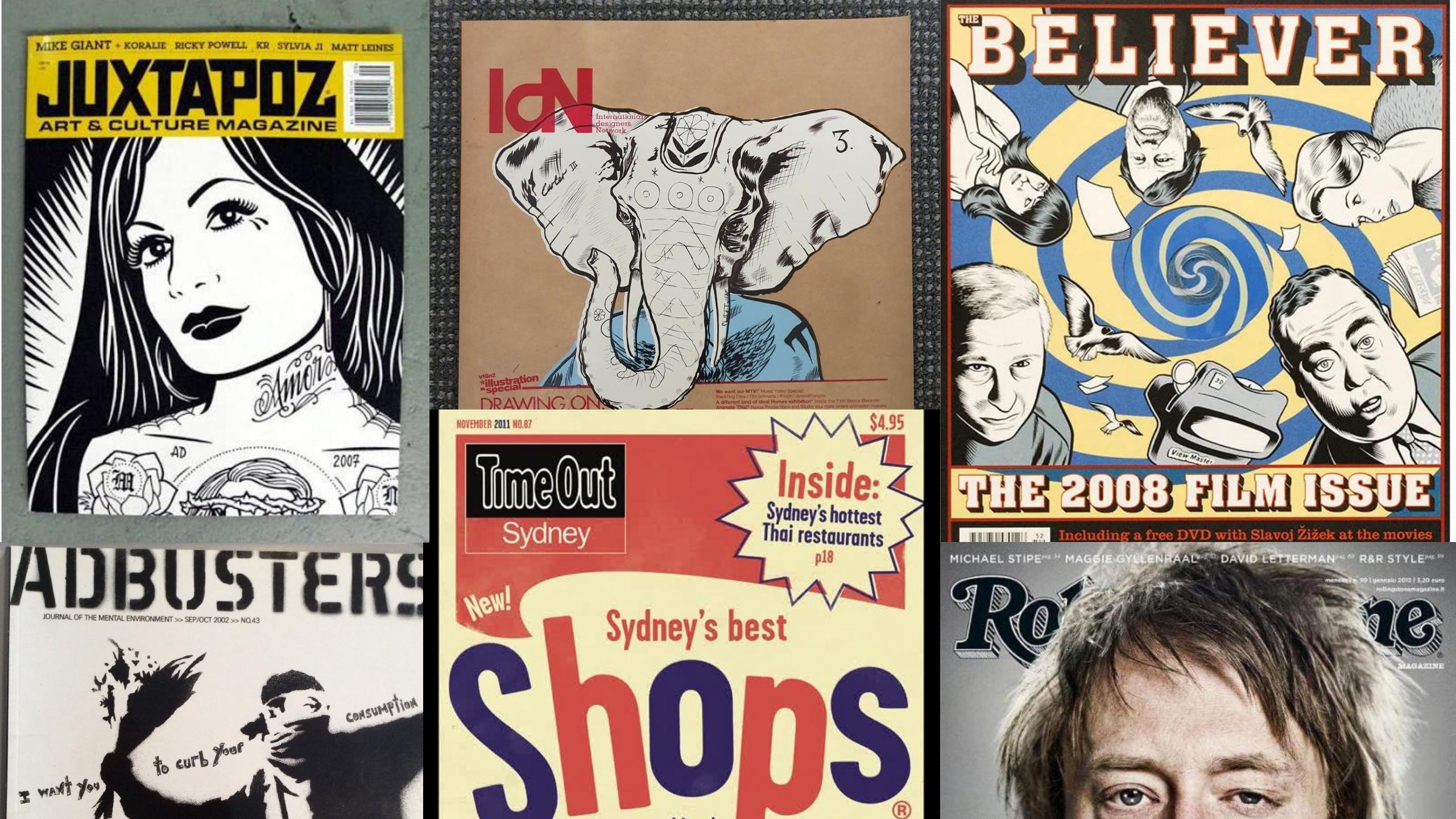
11Collecting magazines → cutting them into folders
my oldest habit. I used to collect magazines through high school, through design school and even in my first job as a print designer, I would buy magazines and the poor magazines, I'd usually end up cutting them up into tiny little pieces, putting them in folders and collecting things I liked
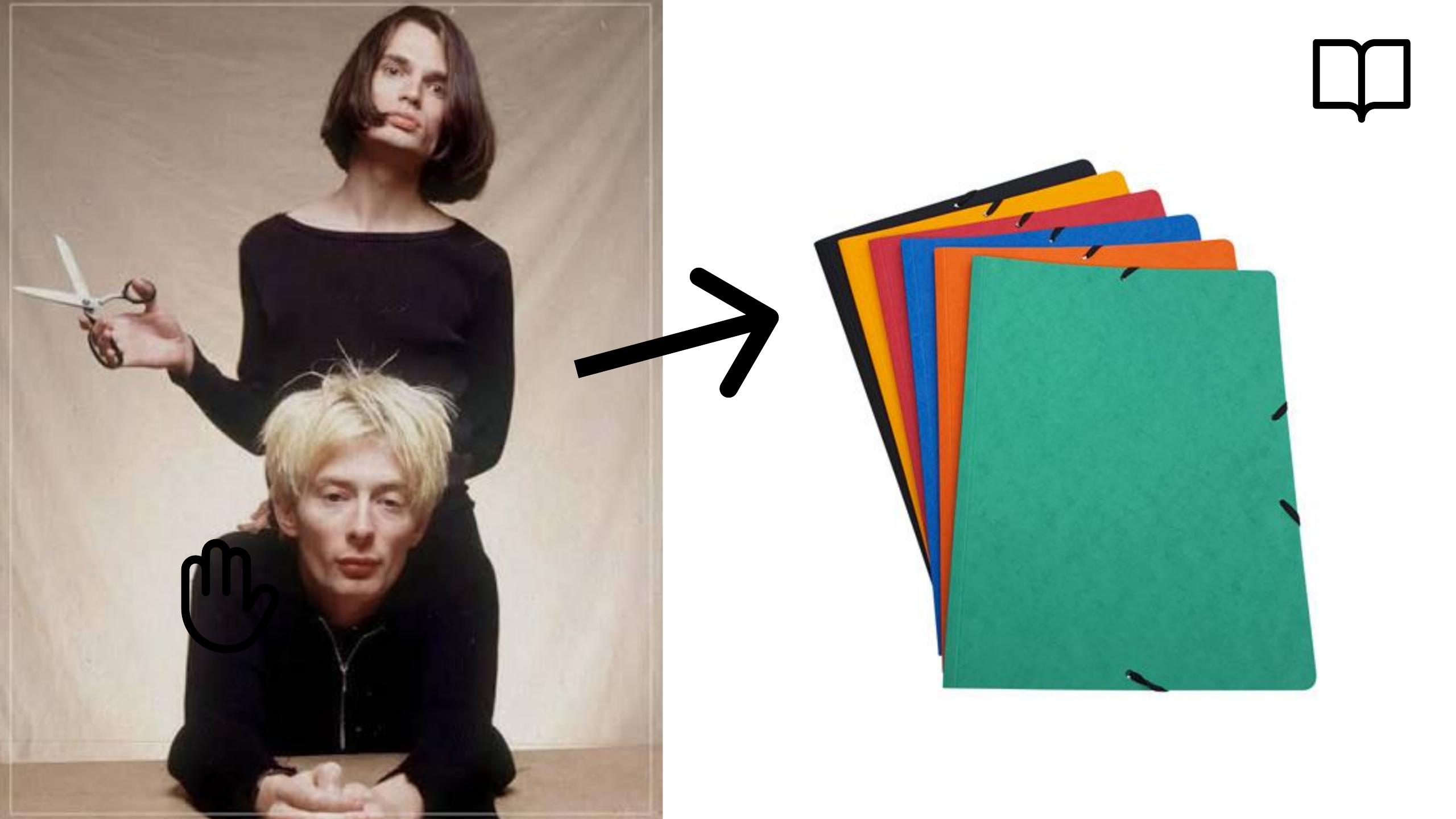
12Turning cut-outs into Photoshop / Illustrator assets
and turning them into assets for Photoshop and Illustrator and you know, playing around with files and this stuff I did even before I knew what design was and it really built up my interest in visual design, it was a great way to practice.
13Digital era: a site called "Found" (ffffound)
In my digital era like one habit I can remember is going to this website called Found which is sadly no longer online but if you stumbled across it back then it would look a bit like
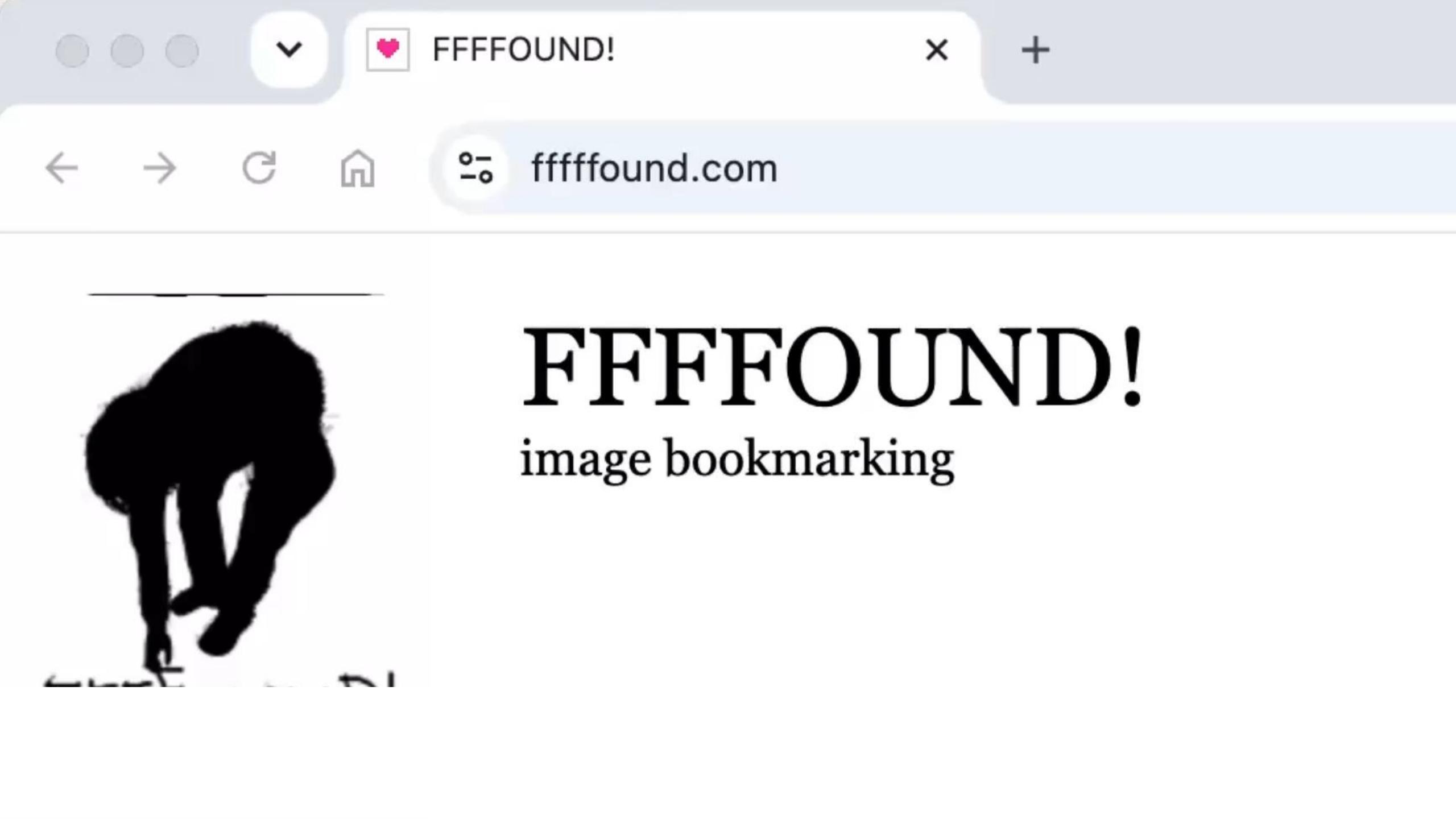
14ffffound — saving photos as resources
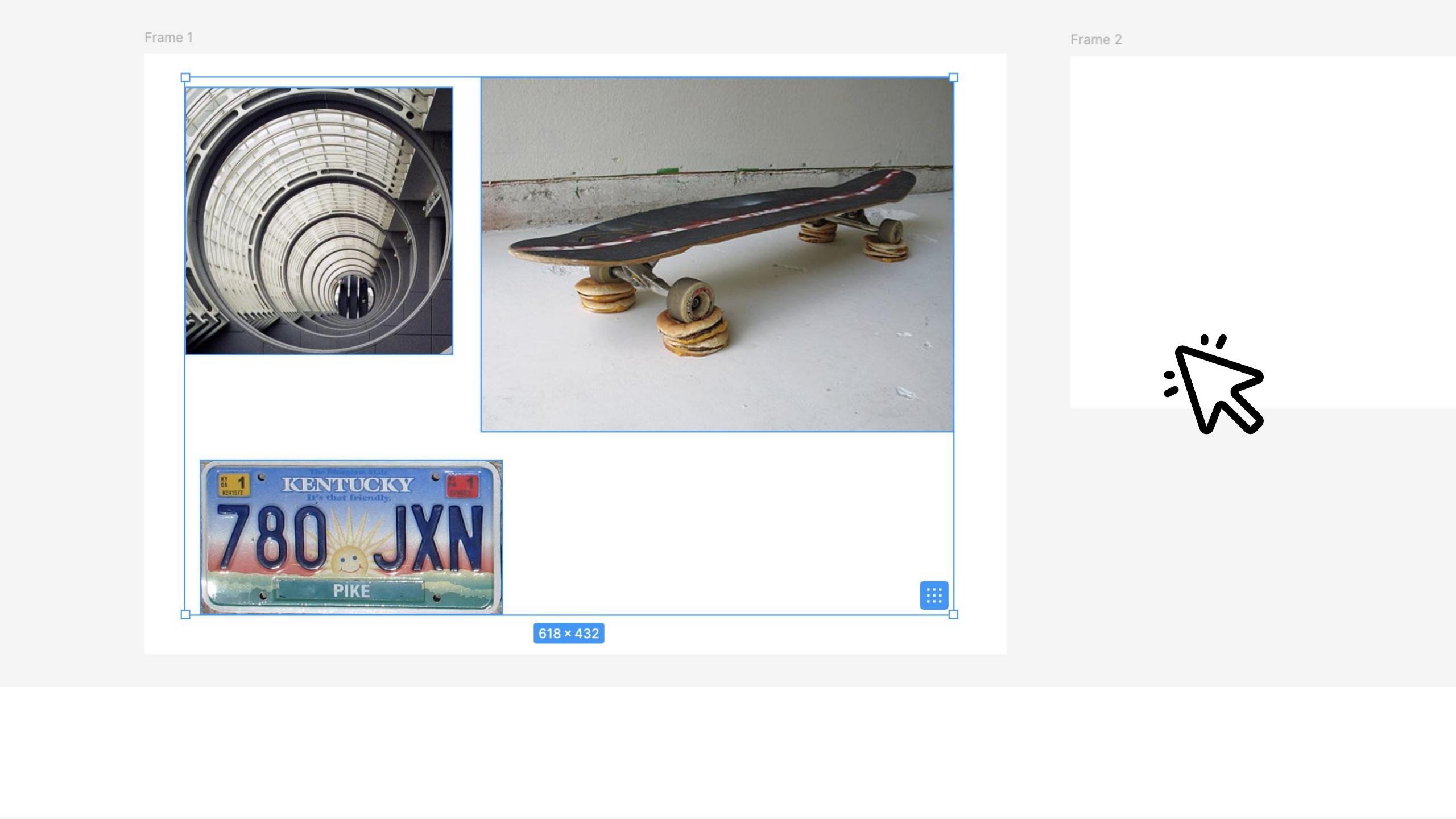
this. You would go and find photos that you like and often I'd save a copy of the photo onto my computer and doing so created these awesome resources that would help me plan and sort
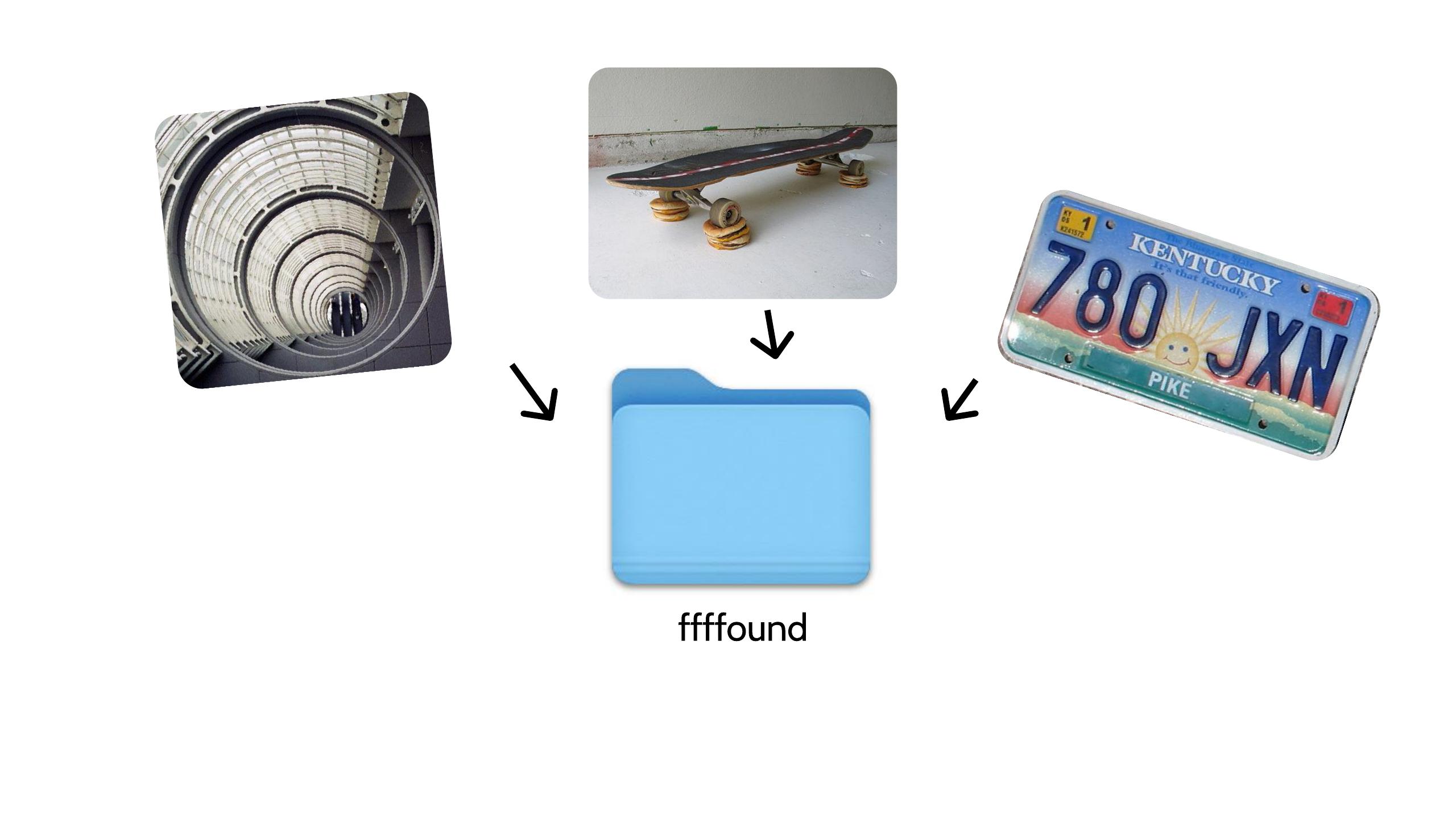
15Bringing saved images into my design tools
of think about my design work, I'd bring them into my design tools and yeah, they'd absolutely
16Inspiration for what to build; AI era → Twitter
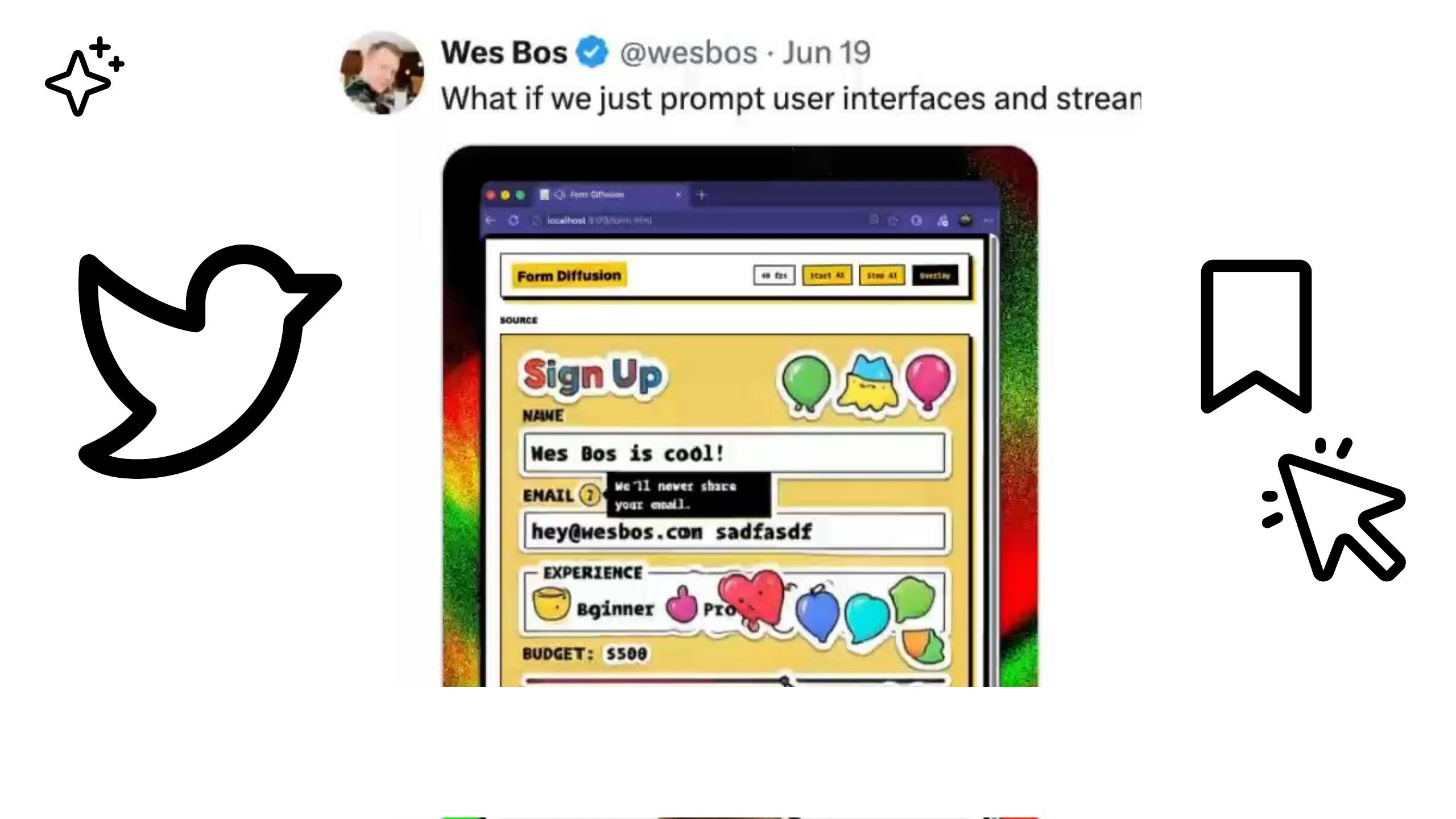
be inspirational when I'm figuring out what I wanted to build. In this sort of AI era, Twitter has been really invaluable in terms of coming across new and
17AI ideas from Twitter pile up as bookmarks
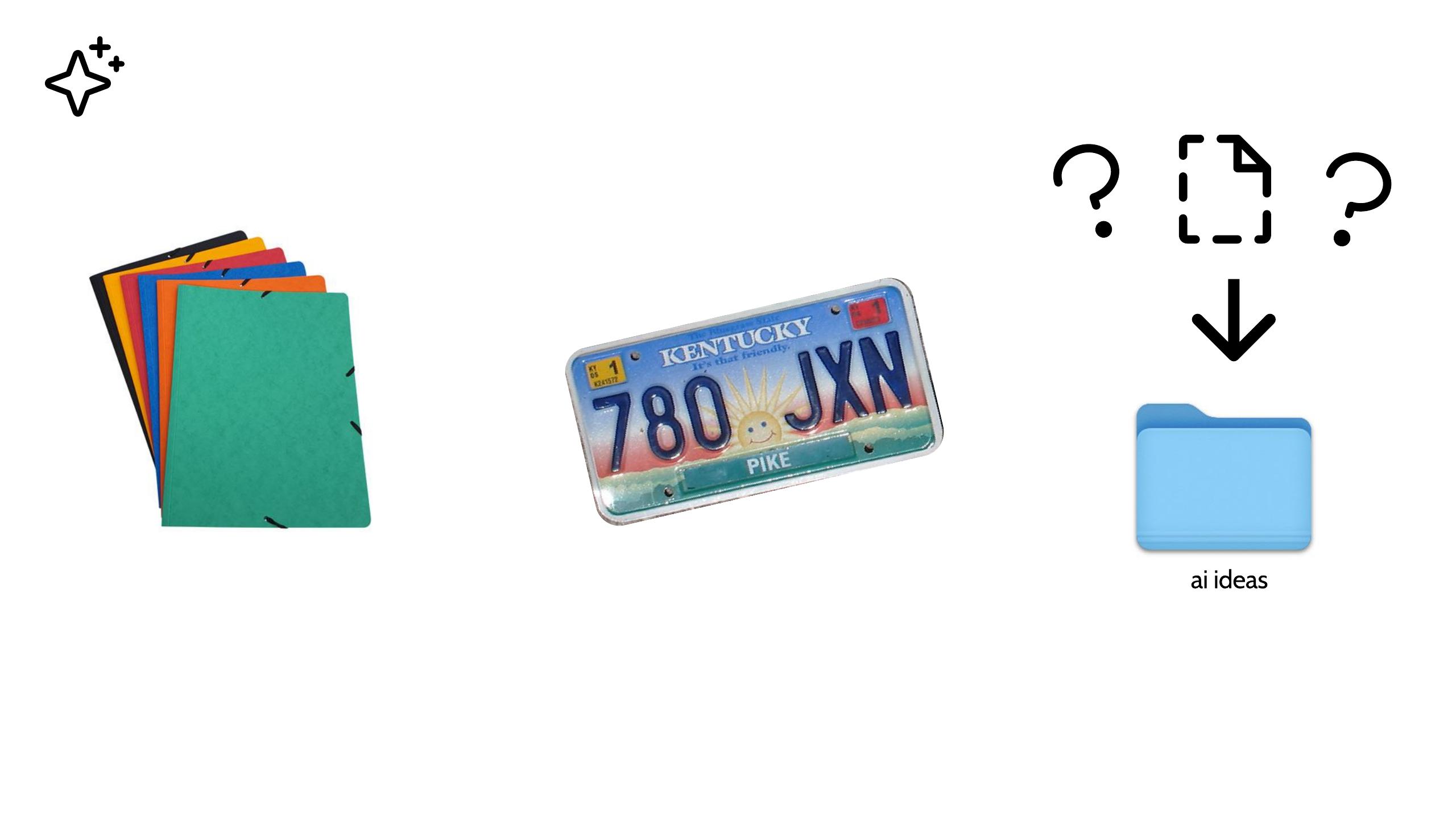
interesting AI concepts and ideas and techniques, they'd often end up as, the posts that would show me them would be turned into bookmarks and now I have too many bookmarks and it kind
18Too many bookmarks — no way to represent a complex AI idea
of became a bit frustrating really, I'd have these collections of cutouts from magazines and collections of images but no real way to represent like a complex AI idea in a way that sort of gave me momentum.
19The technique: capture ideas as small, one-file HTML prototypes
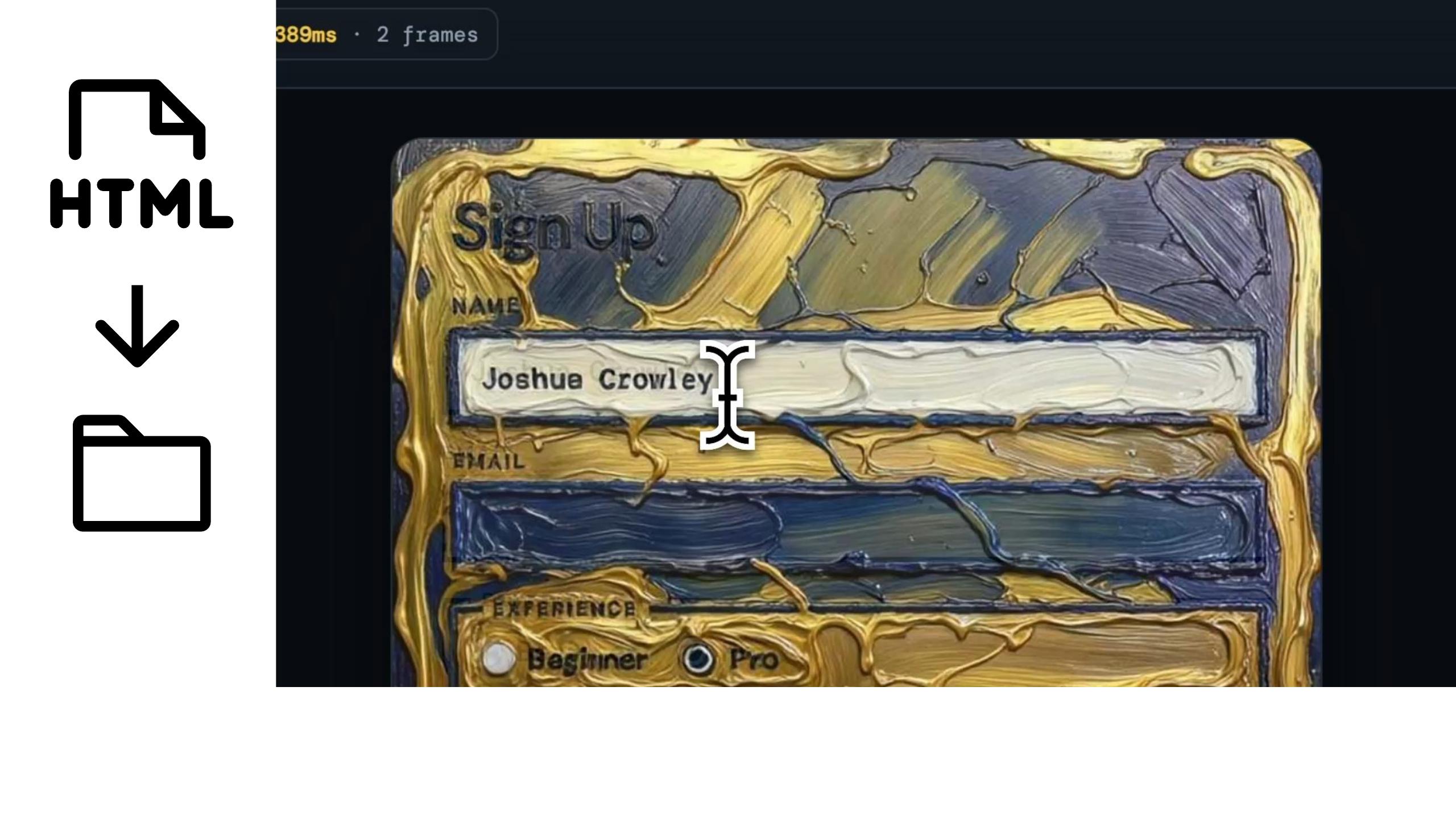
So after a bit of experimentation I came up with this technique of using HTML to sort of capture ideas into small prototypes, they're so small because they're literally just one file, I'll literally jump into a tool like cursor and I'll tell the agent, so take this
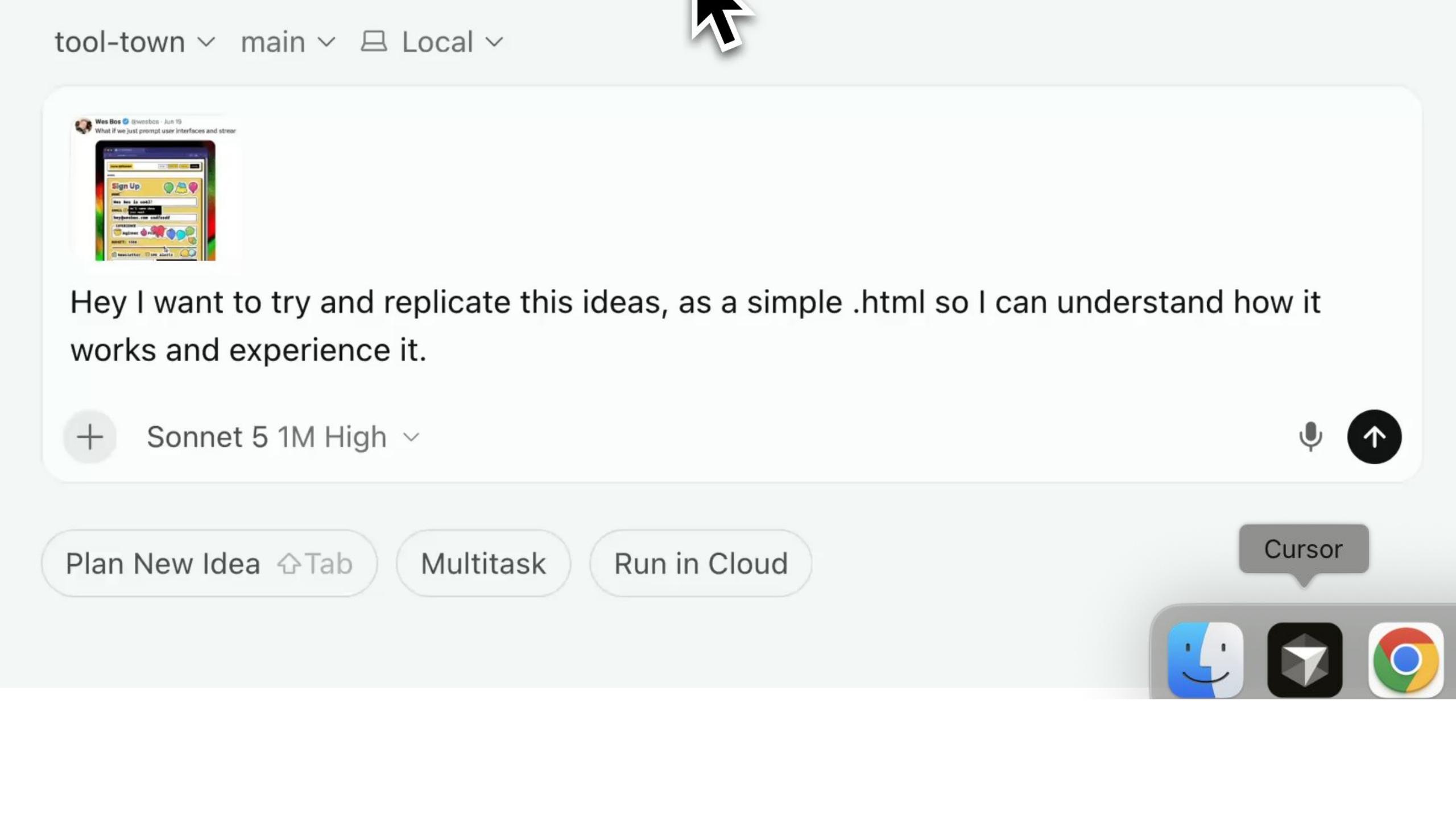
20The process: Cursor + voice → "replicate it into one HTML file"
idea that I've seen and can you replicate it into one HTML file so I can understand how it works and experience it and usually I use my voice and I'll explain in detail what I like about the idea, what I don't like and I'll get out of it this process, like I think that I can play with and I reason about and again it's really just going to be one file on my computer, the HTML file, and so here's like an example from the other
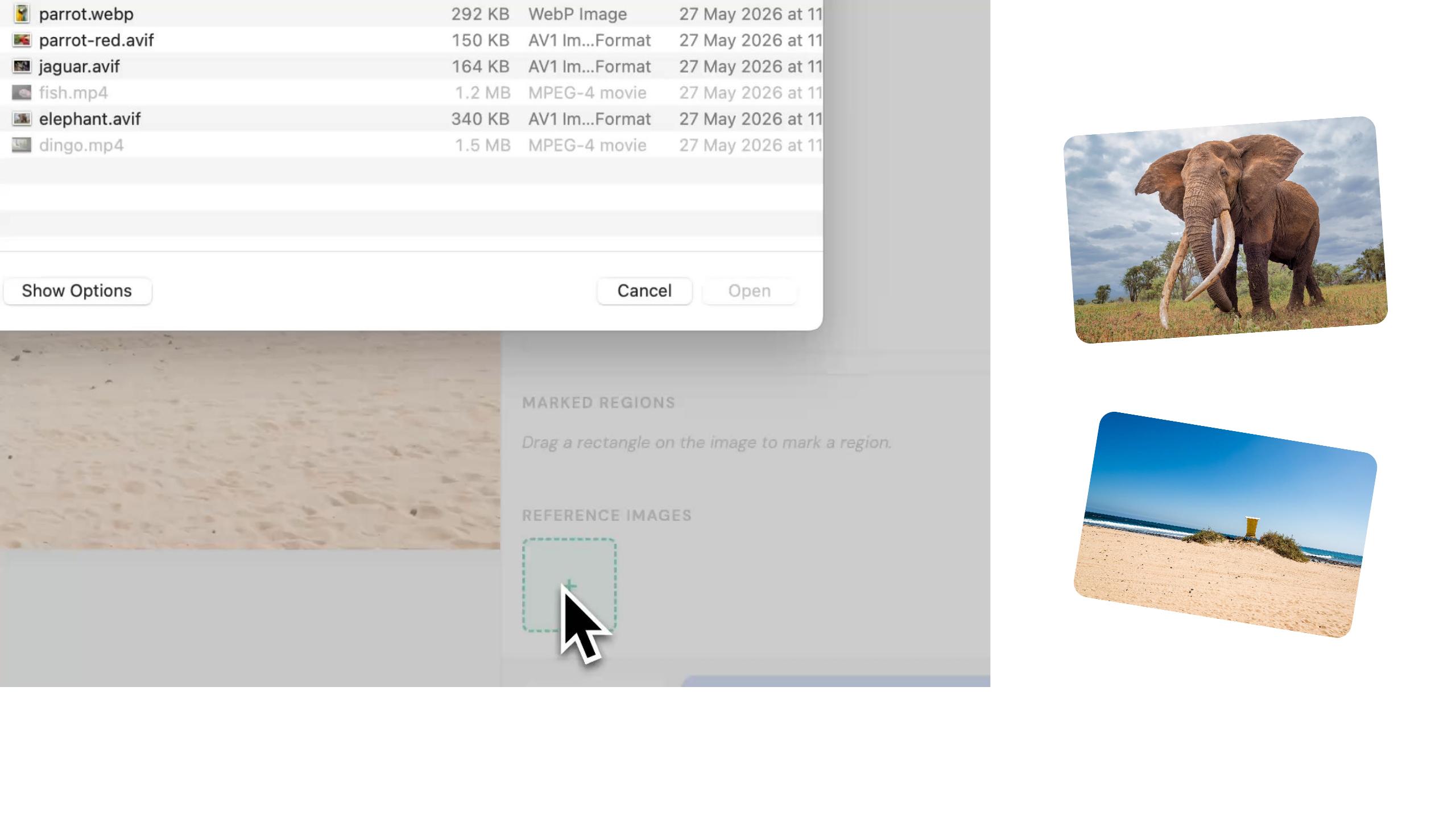
21Example: image annotation / combining photos (the poached elephant)
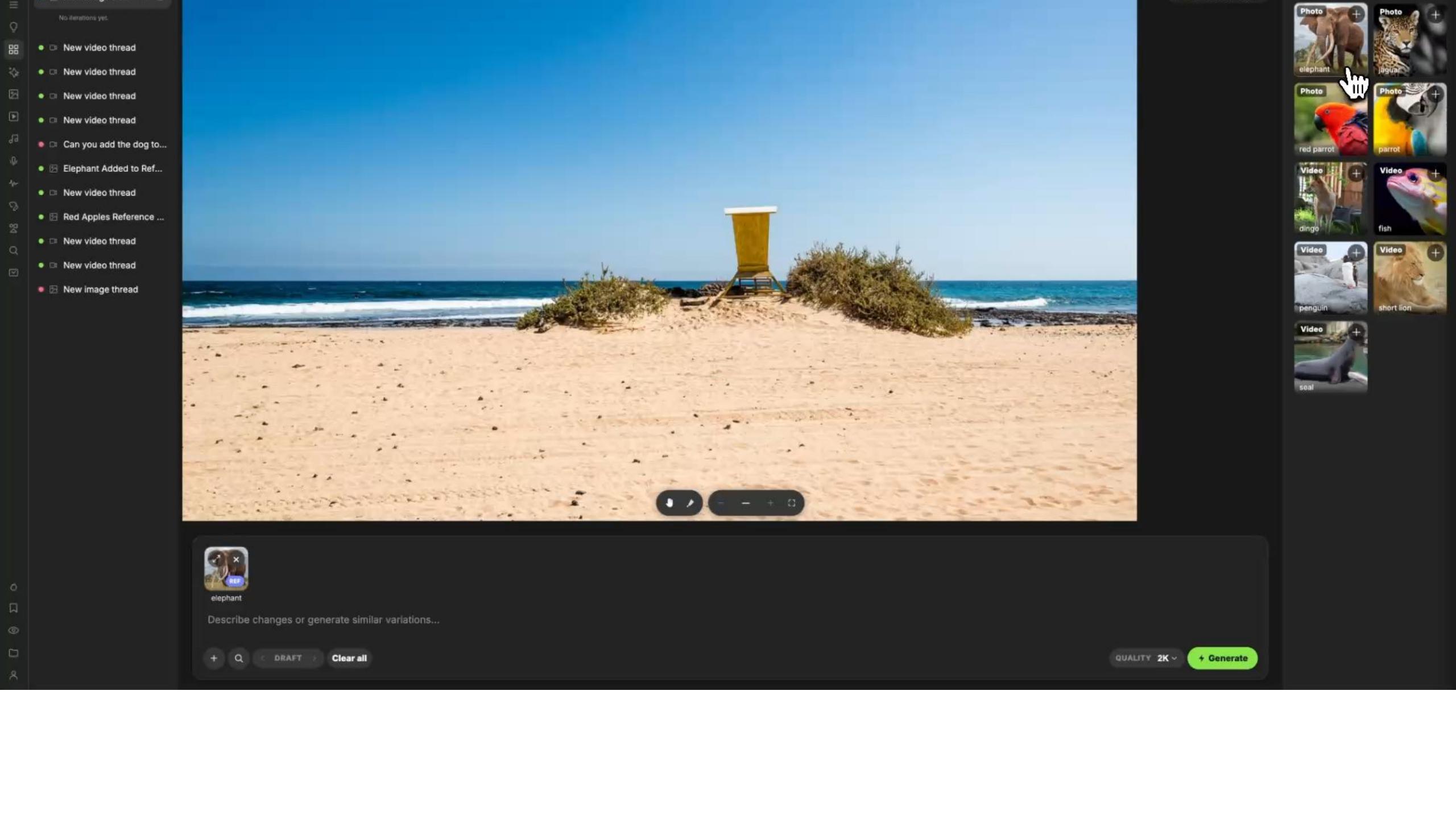
month where I was experimenting with this concept of doing image annotation and I'm sort of combining two photos into something new and oh gosh that hasn't gone so well, that poor elephant has ended up poached on the beach, so look this is why I'm practicing this, to get better and make sure no elephants get hurt.
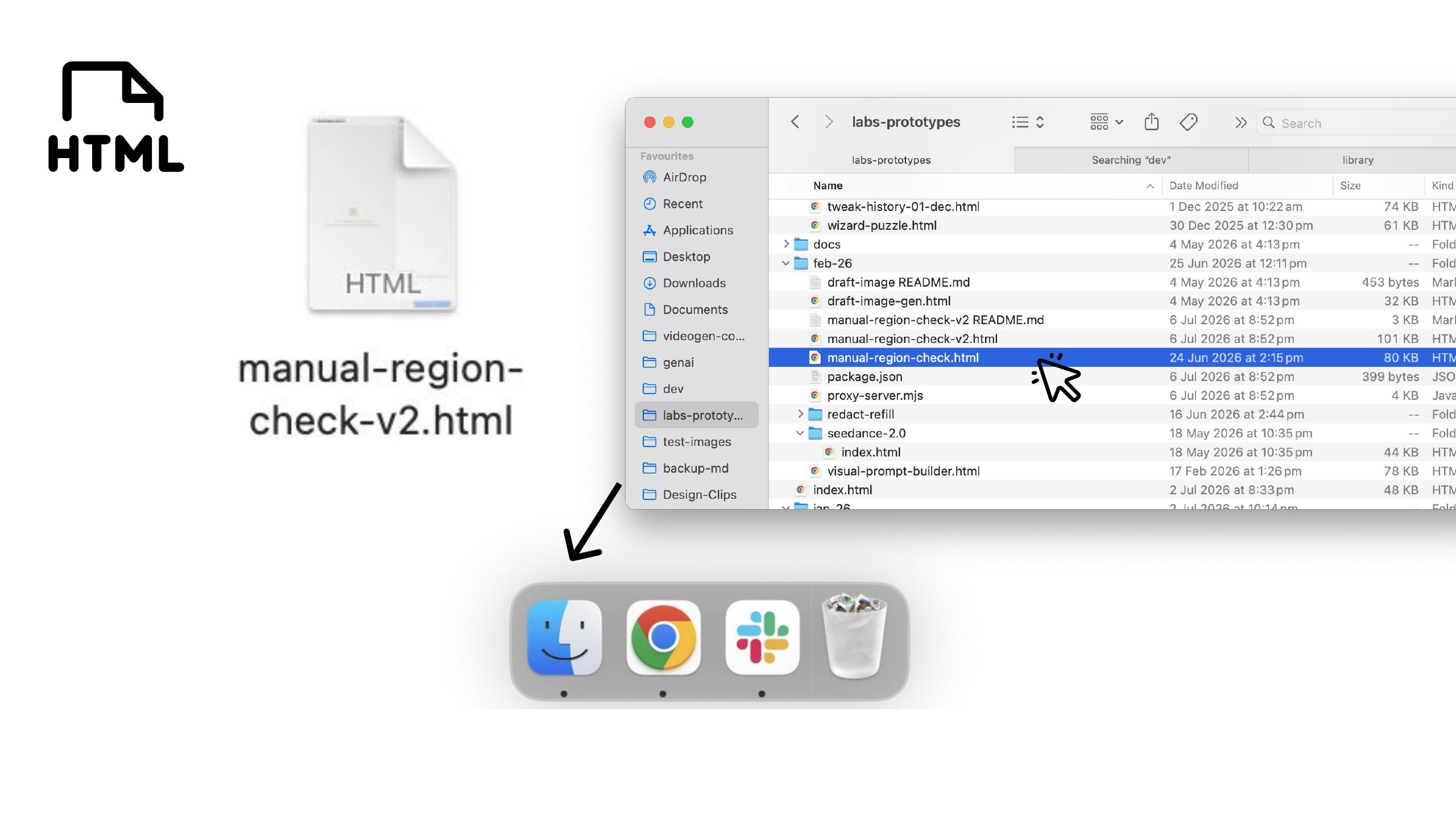
22Easy to practice: duplicate the file → v2 → iterate
It's easy to practice because I can make one prototype and then if I want to try something different I can just duplicate the file and make a version two and then start talking to my agent about that file and iterate it, when I'm ready I can just drag and drop them
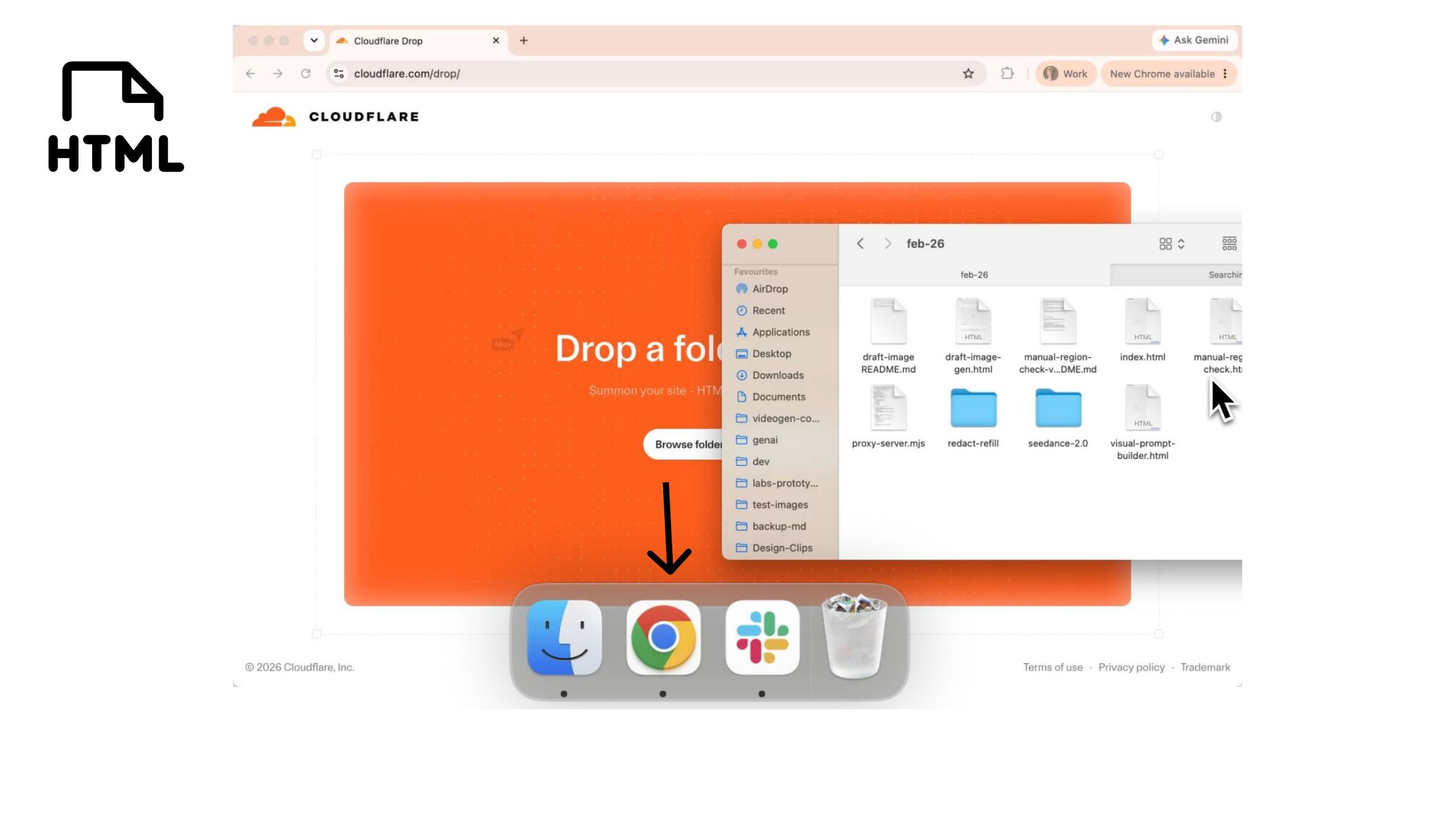
23(transition)
24Deploy via Cloudflare, share the file in Slack
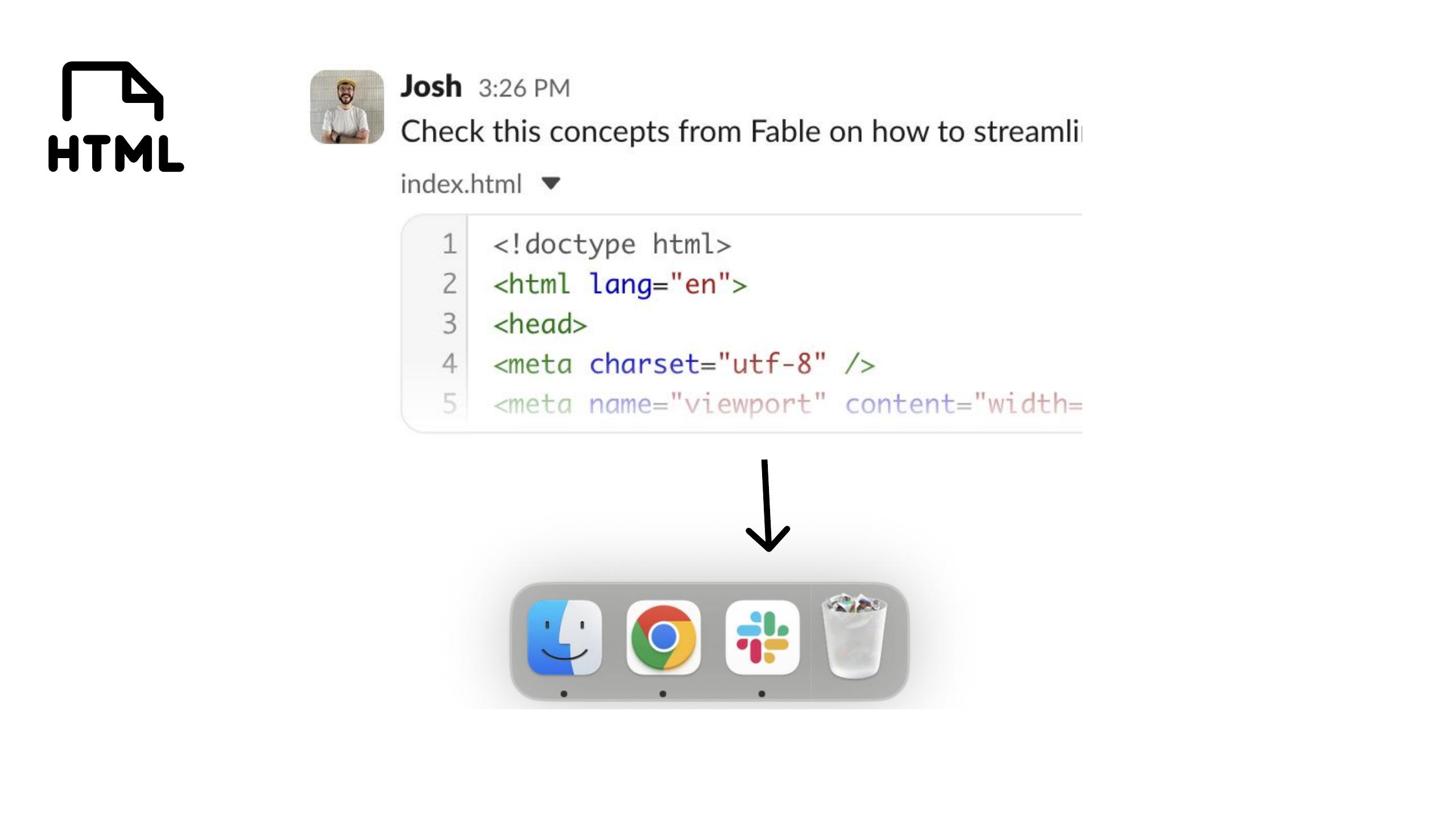
into a tool like Cloudflare and get them deployed, if I want to share it with friends they can have a look and see how it looks and play around with it too, it's very easy for me to share them in Slack, I can just drag these files and drop them into Slack as well for people to read and download and I've become so fond of them, these little HTML files I've
25Tooltown — stashing HTML files into "neighborhoods"
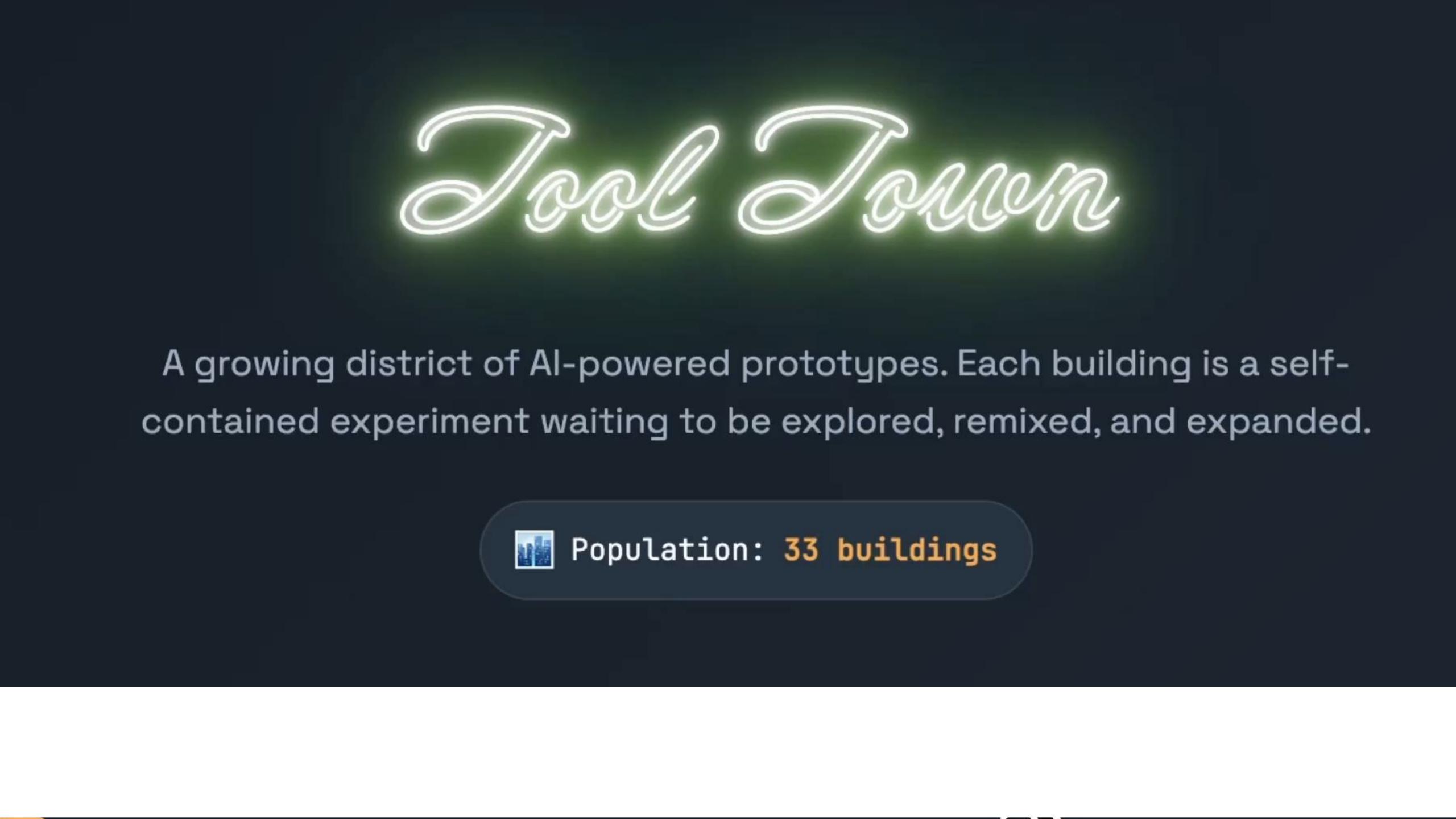
put them into something called Tooltown and I stash them in there and show people how my tools are sort of populating into neighborhoods and have stories about how they've evolved over time and coming dipping in and out of Tooltown and expanding it has been like this habit that I've been growing and developing. I think it's material to me this process because what I'm noticing is that at work we'll have
26Why it's material: whip out a file in conversations, cut through the hype
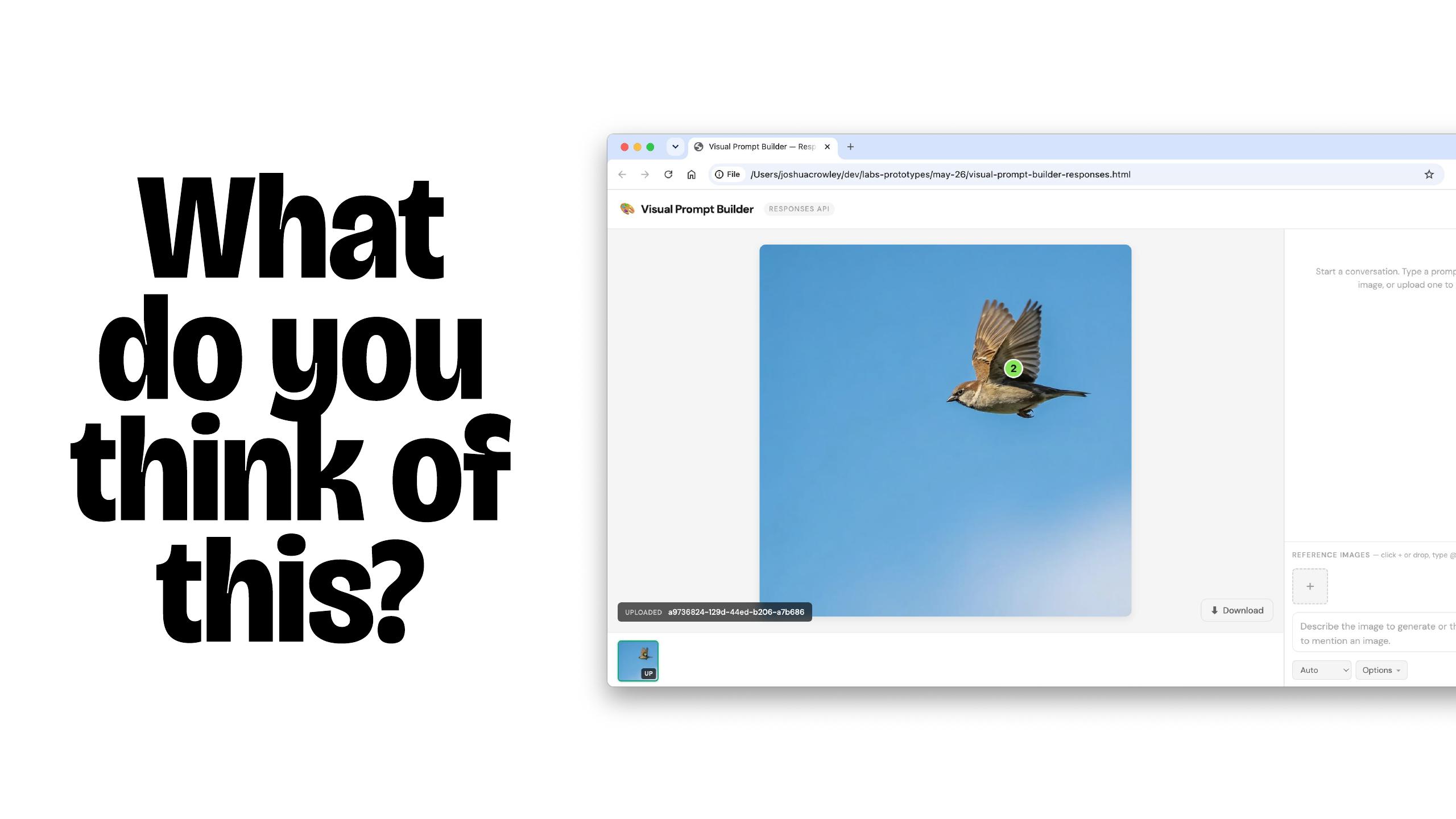
conversations about concepts or UI or UX ideas and not every time but often enough that's meaningful to me, you know, I'll be able to whip out one of these files and be like oh do you mean this, is this what you're thinking, oh I tried this the other day and I think that's really great because what we're finding with this AI space is things are moving so quickly to have some pretty thinking ready to go is helping keep momentum up and also it's great to try an idea and see if it does or doesn't work and you can sort of revisit it when a new model comes out or a new technique but you just got to try it and sort of it's great to cut through the hype and actually see, you know, does this idea cut mustard or not and sometimes when an idea that looks good as a Twitter post doesn't necessarily work when you try and recreate it and understanding the gap is important for navigating the AI space.
27Takeaway: build a collection of HTML files → next habit: Combine
So if this one takeaway you take from my talk today, I really hope you try this practice of building out HTML files to sort of capture little sketches or concepts on your computer, not in some app, not in some service but, you know, you sort of having access to these important collection of HTML files and now I want to talk about the next habit now which
Habit #2 — Combine
28HABIT #2 — Combine (print: sketchbooks)
is combine, not combining, and then in my print days that looked like me using sketchbooks
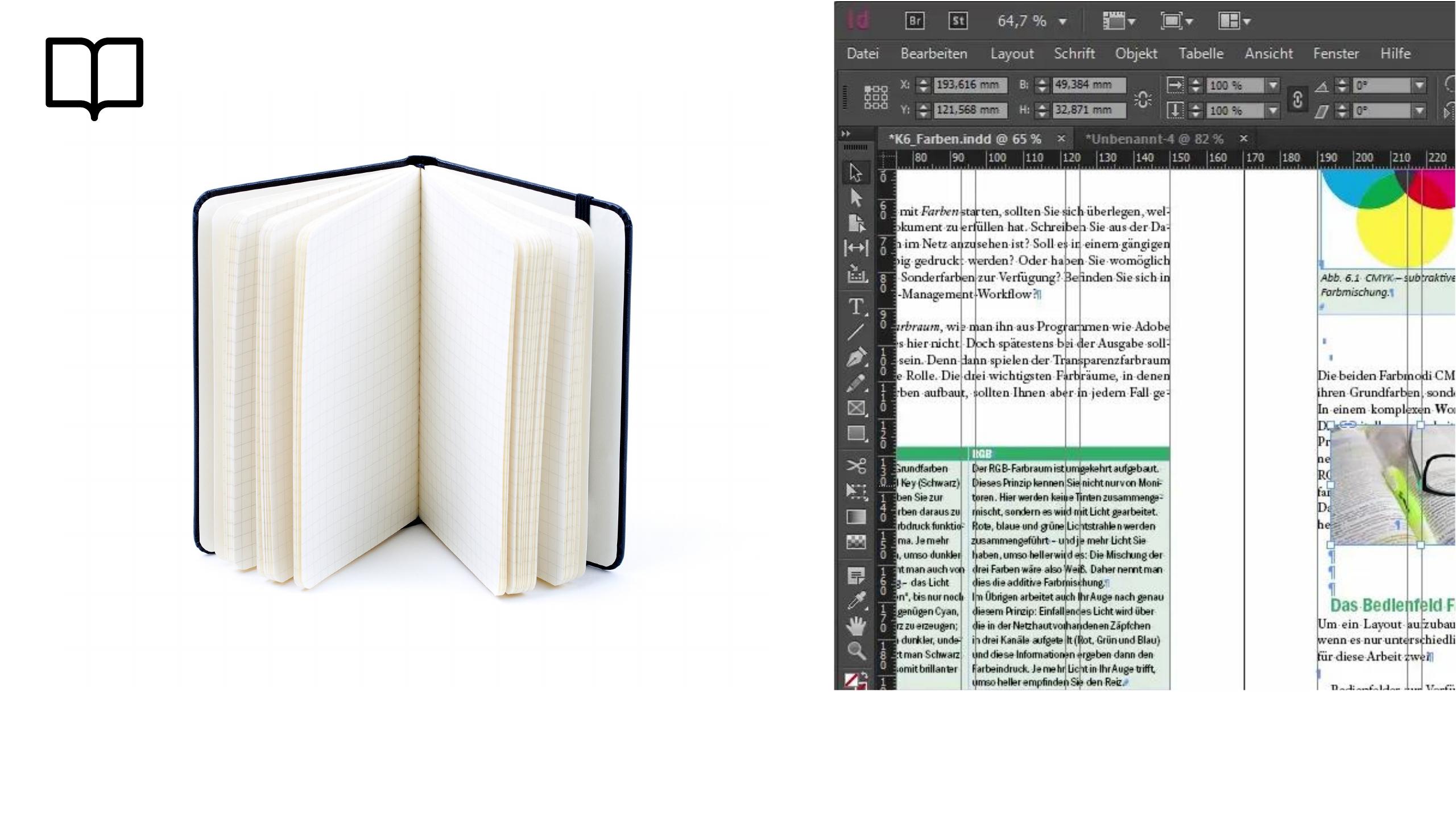
29InDesign: combining text + images into magazine spreads
and tools like InDesign to combine text and images into magazine spreads and in my digital
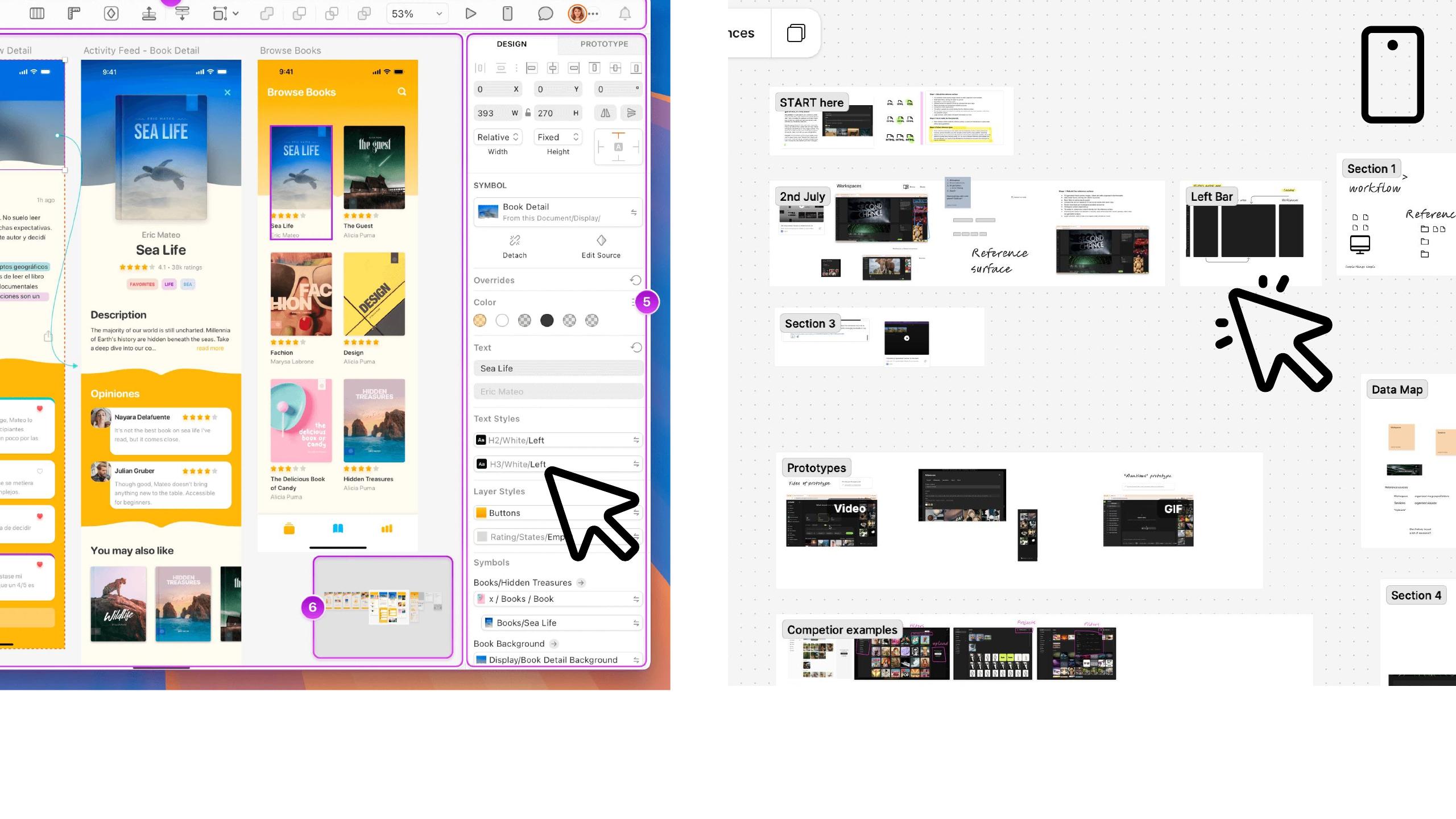
30Digital: Sketch & Figma — components & design systems
days I've been lucky to mess around with canvas tools like Sketch and Figma and be able to iterate on components and design systems and become really valuable tools.
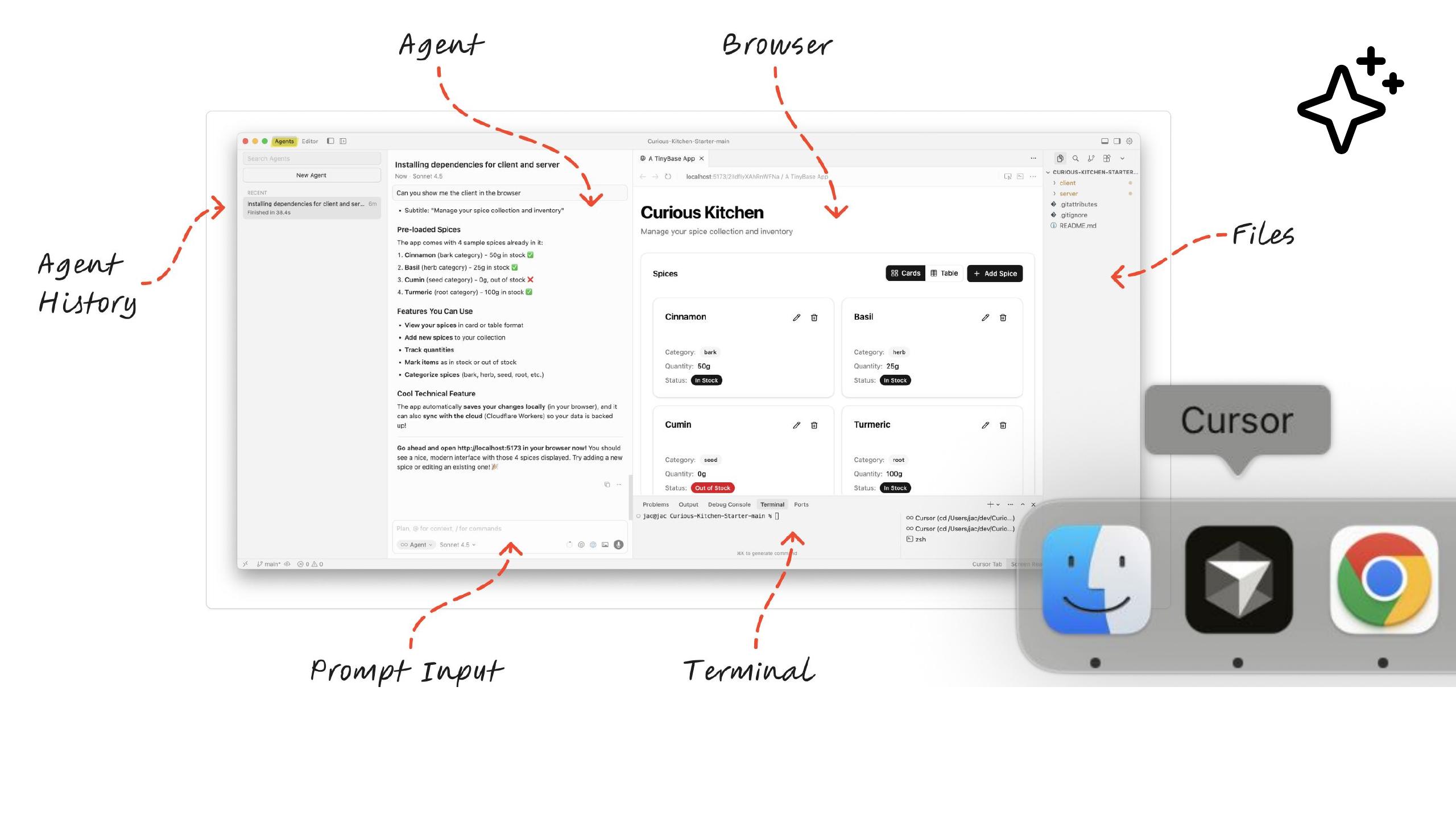
31AI era: Cursor as an agentic workspace
But in the AI era, I'm really enjoying introducing a new tool like Cursor to my design workflow and making design artifacts using these engineering tools and Cursor is a really powerful thing because it's an example of an agentic workspace and an agentic workspace is where you can work with an agent and everything within that workspace the agent can do on your behalf and can rewrite code, it can read files, it can start terminal processes, automate the browser and having an agent that many agents which you can delegate work to is making it possible to sort of do these sort of experiments that wouldn't have necessarily been possible before me, before even time constraints at work.
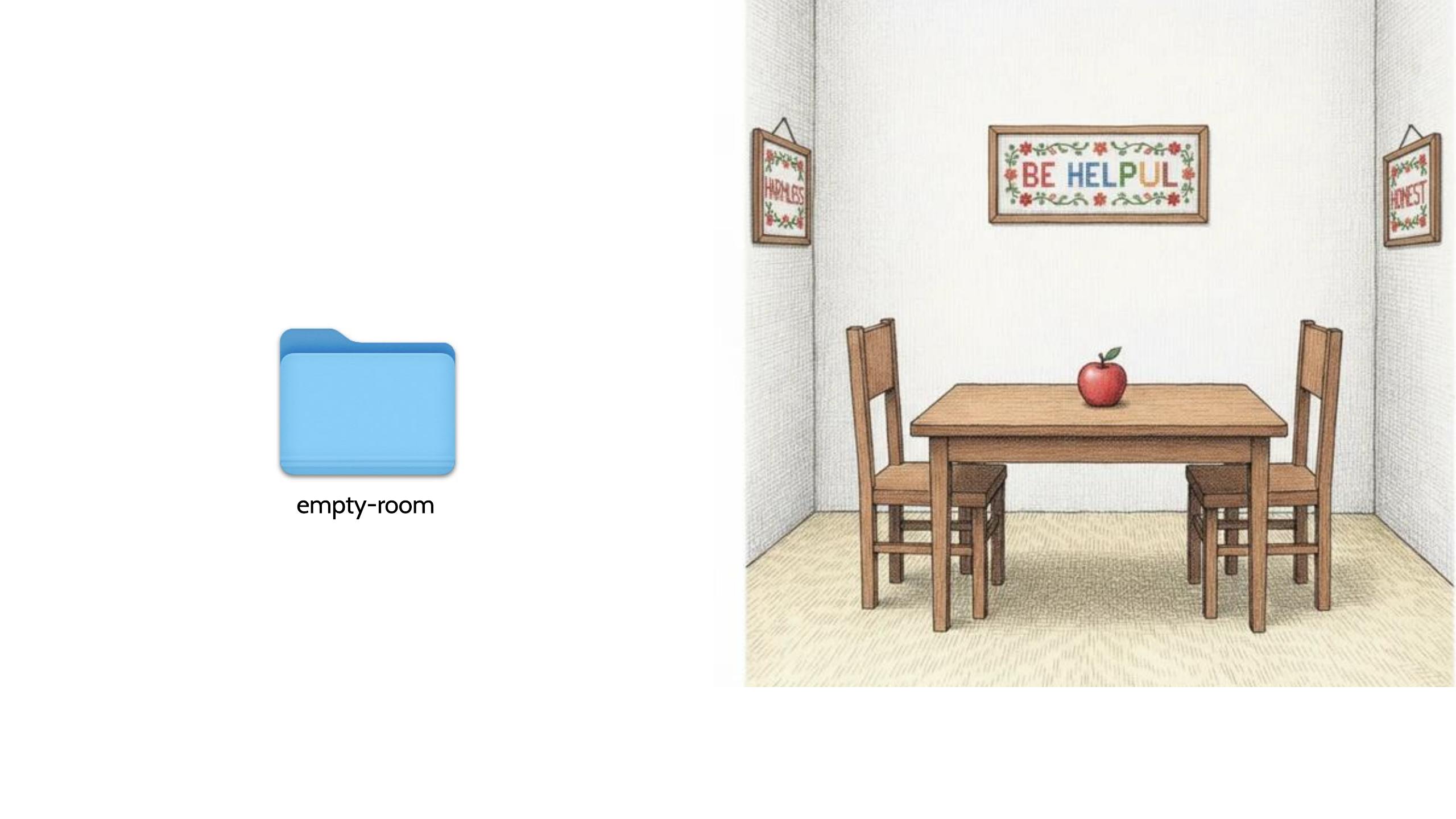
32"empty-room" — choosing an empty workspace folder
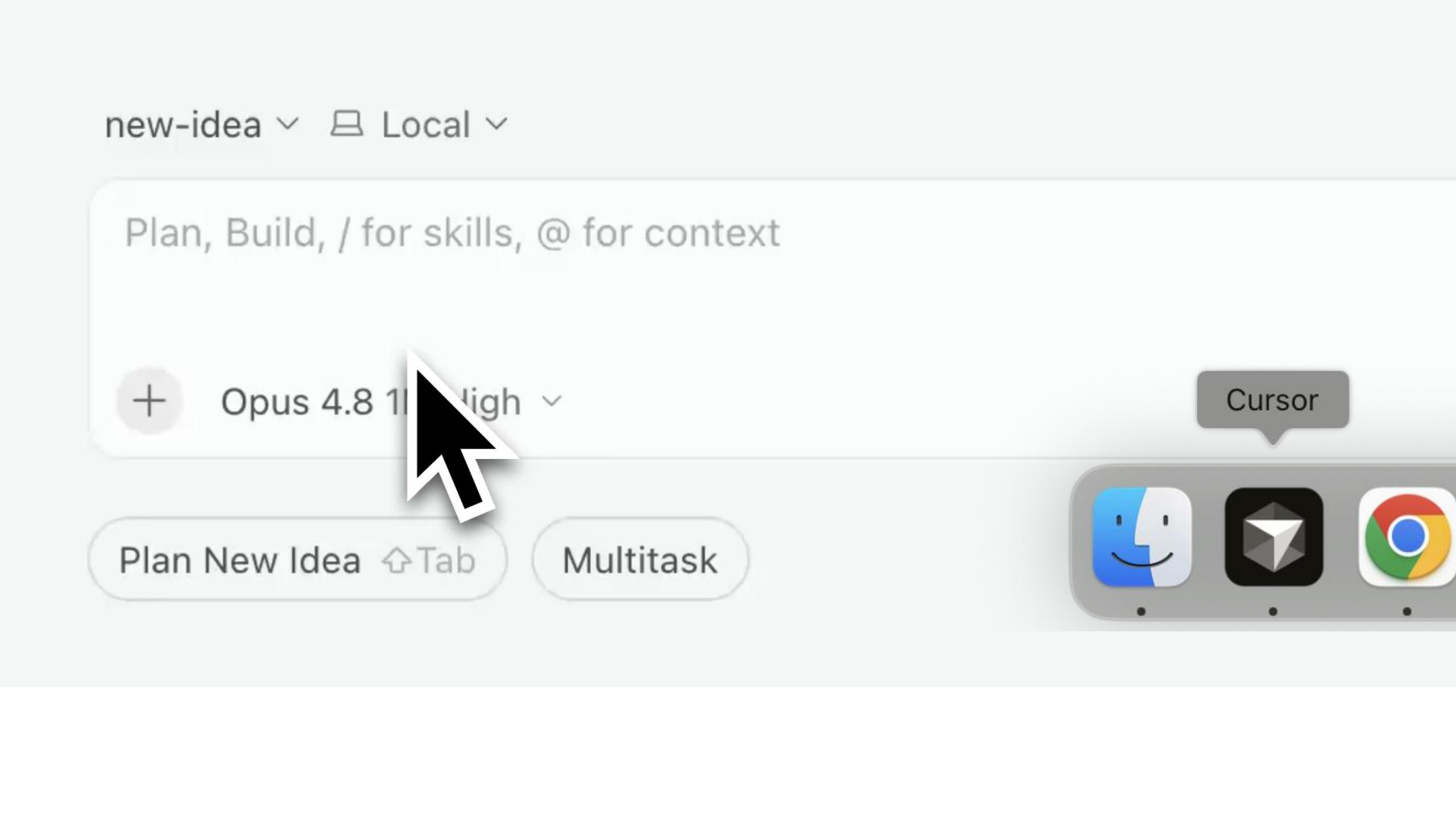
So but using a tool like Cursor to be effective and come up with ideas rapidly does take a bit of practice and planning so if I walk into Cursor I always have to choose a folder for my workspace and that folder is empty and I like to think of that sort of starting point as almost like this functional but empty room where me and the agent have to hash out what we're going to be doing in this space, what's cool about having this like collection
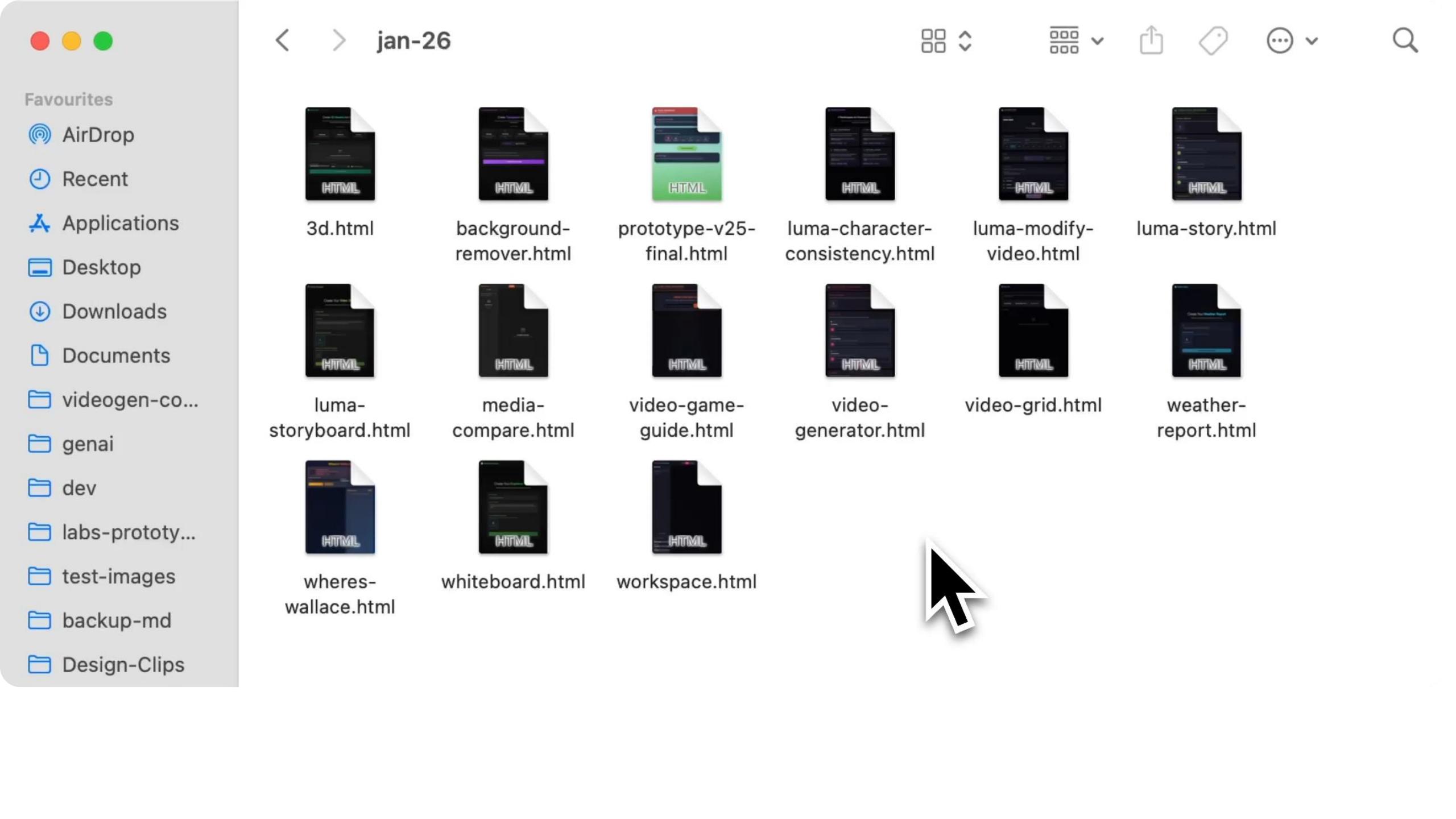
33Bring in relevant HTML files (don't start from an empty room)
of HTML files that I was showing you before is that I don't have to start with empty room I can bring in files that I think are relevant and then what's even cooler is that at Envato
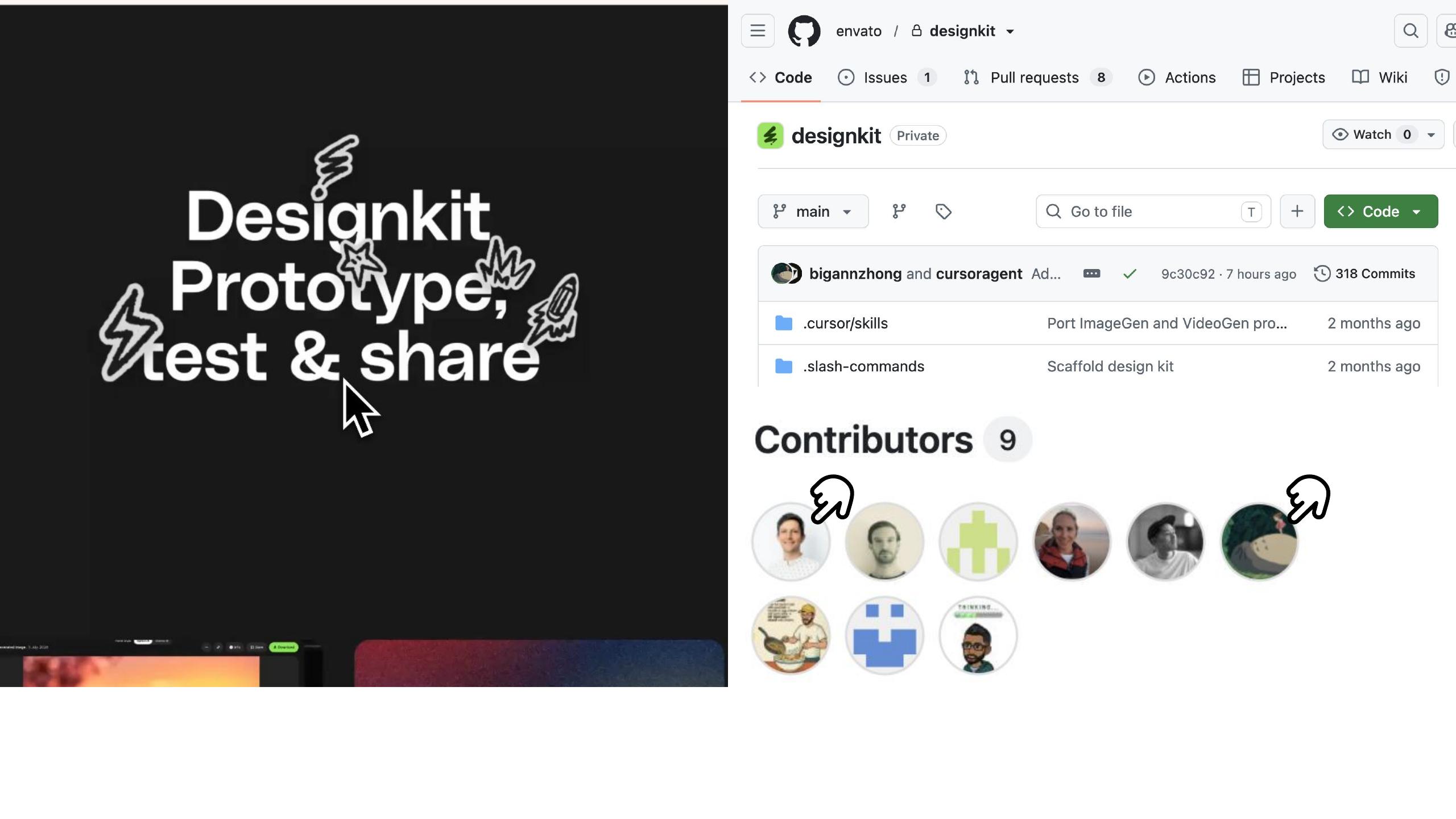
34design-kit (Charles & team); Ann's prototype of it
we have access to a design kit that was made by Charles and our team and he is a prototype from Ann showing how design kit works and Ann can rapidly prototype ideas in our design system into little experiments that we can all see and use.
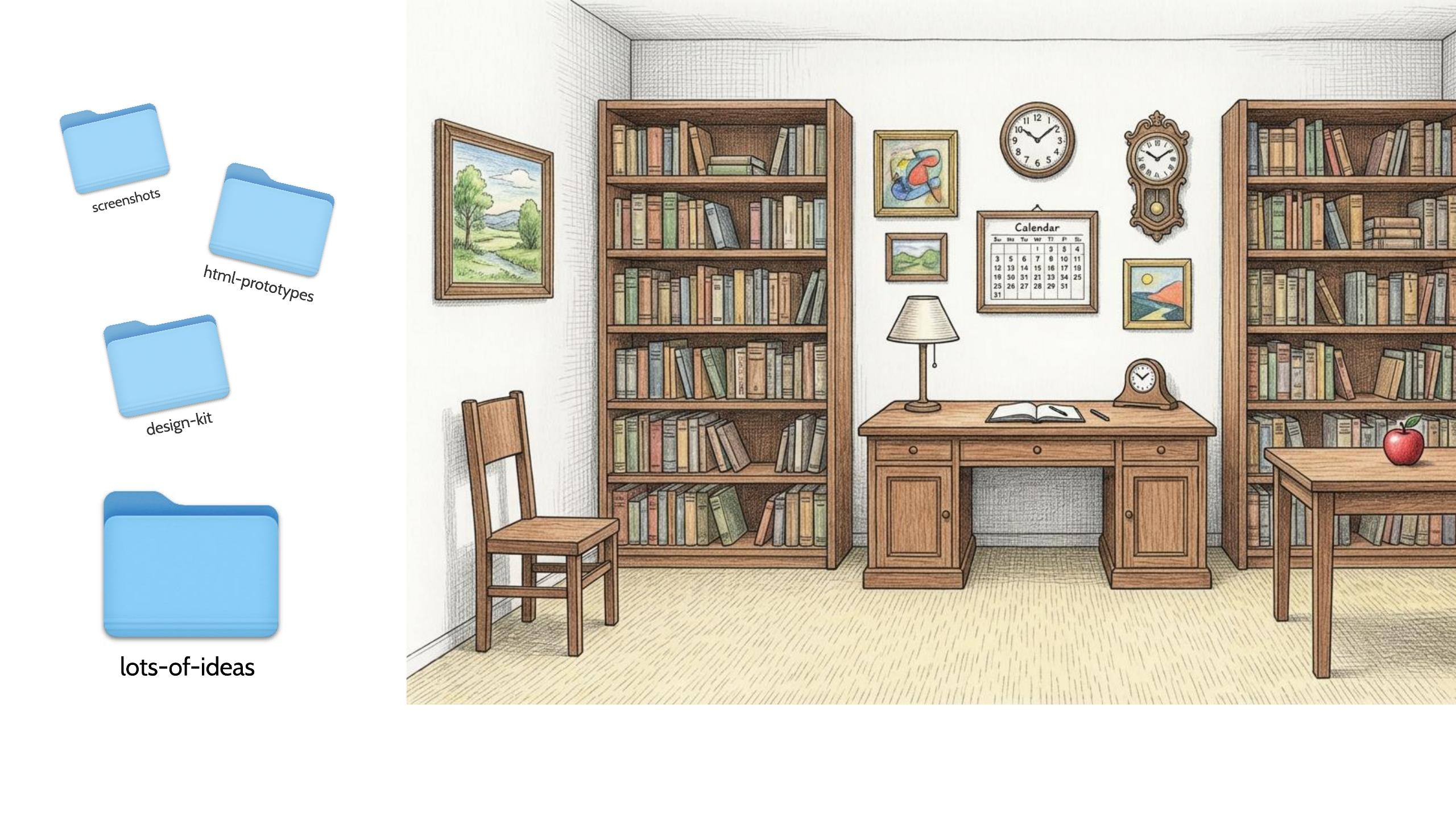
35Grabbing folders into a proper workspace — a new skill
So if I like grabbing and selecting these different folders I can create a new folder that's got you know the right stuff for the moment it's almost like this proper workspace for the agent and I to collaborate in and noticing that and being able to design that is like a new skill that we're all learning in parallel and then the prompt for Cursor
36The prompt: "combine the files" — run a couple in parallel
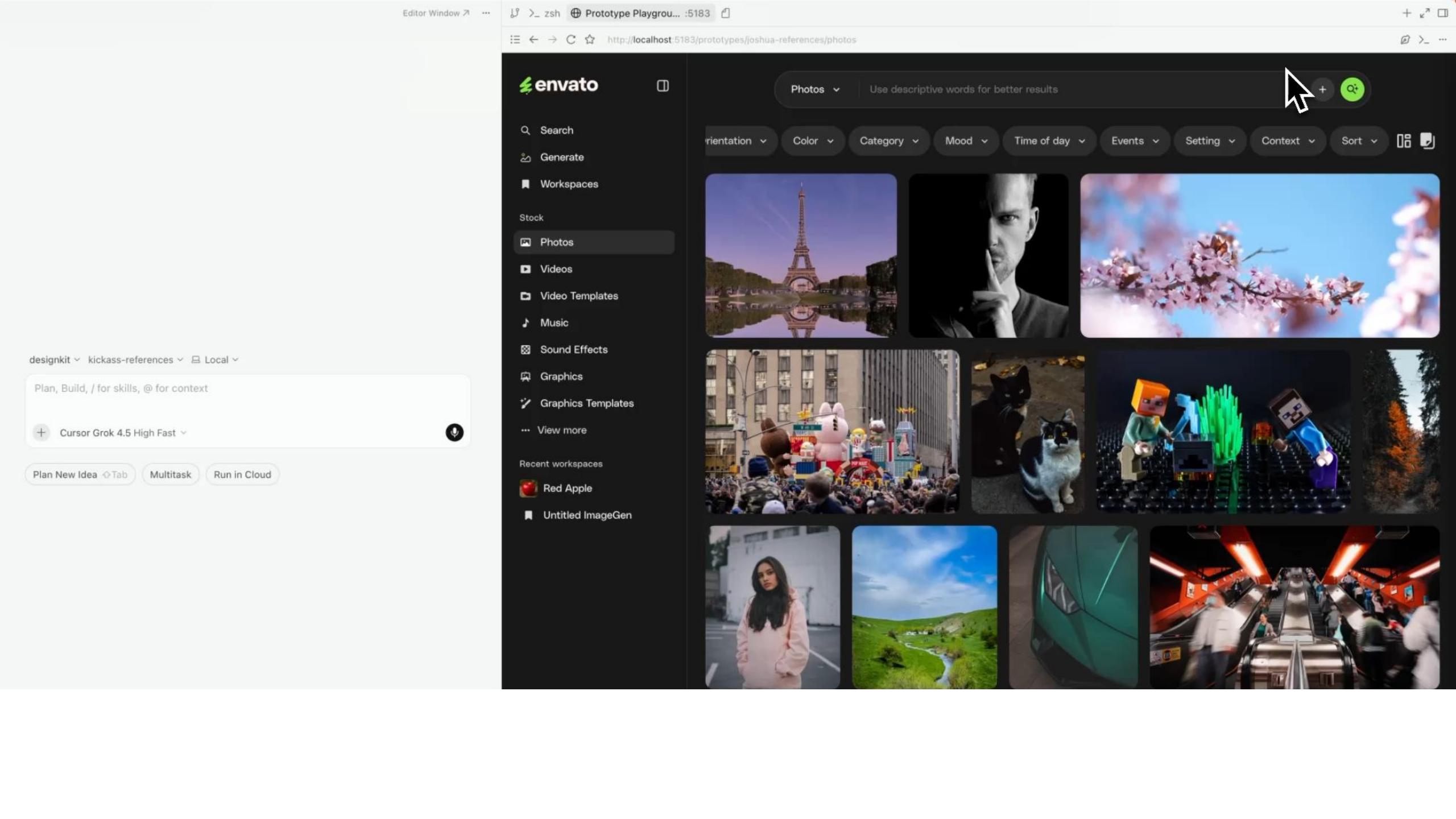
once I've got this like cozy room is a bit different like I can just ask it to combine the files and see what it builds and I can even do a couple of these in parallel and look at different ways that things come together and notice the details that I like and the things that I don't like and then from there I can start to refine them so here you can
37Refining in Cursor's design mode (point, click, voice)
see I'm using the design mode in cursor to refine a bit of the UI to remove a detail I don't like and that's easy like I could just point and click I can even use my voice to explain why I wanted to go and here we go that bit of UI features being removed with support from my agent and combining ideas and cursors meaning my I can be really ambitious
38From one HTML concept → a whole studio environment for user testing
with the things that the prototype that I build and here you can say see I've taken my initial HTML concept and spun it up into like a whole studio environment replicating and touching on a few different ideas that I want to explore and understand and being able to take that to our users and show them these things and have these user testing sessions
39Experimental prototypes give more insight than static mockups
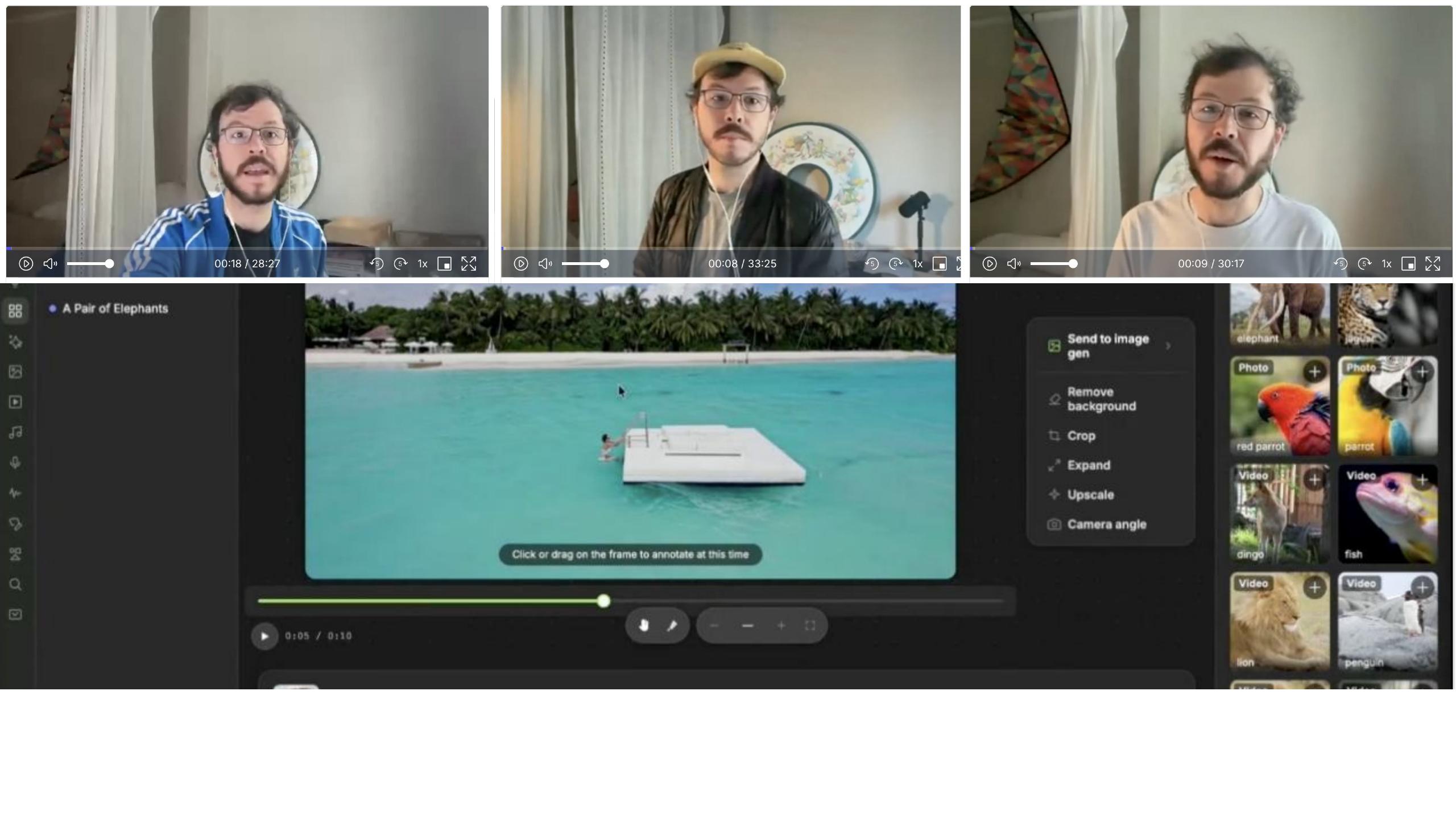
with really experimental prototypes playing around with lots of ideas is very enjoyable for me and I think it's material to my process because I'm getting a lot more insight than just sort of using static mockups or even you know interactive prototypes that don't actually trigger any AI functionality like this is really important for my practice going forward and the investment keeps paying off like if you do make this complex prototype
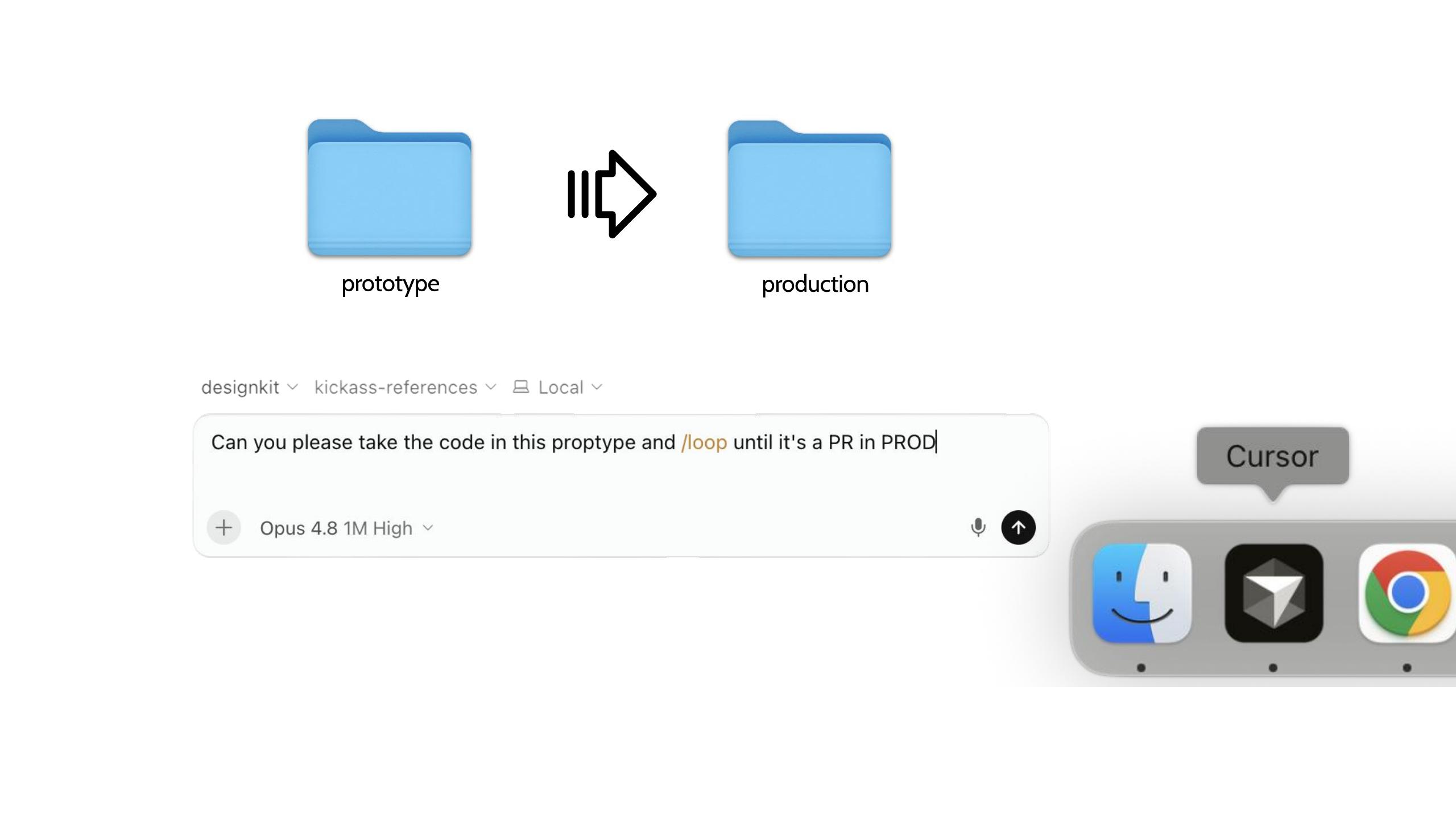
40prototype → production: spinning up a production PR from the prototype
using tools like cursor if you can verify that prototype matches your requirements then there's no reason you can't keep that momentum going to the next stage and sometimes I'll spin up production facing PR in the production code base just by starting this process of a cursor pointing it at the folder of my prototype and explaining that's the next step and then seeing where there's gaps and where problems arise is really great context for me as I continue the discussion with the team because using this process it's really great I can
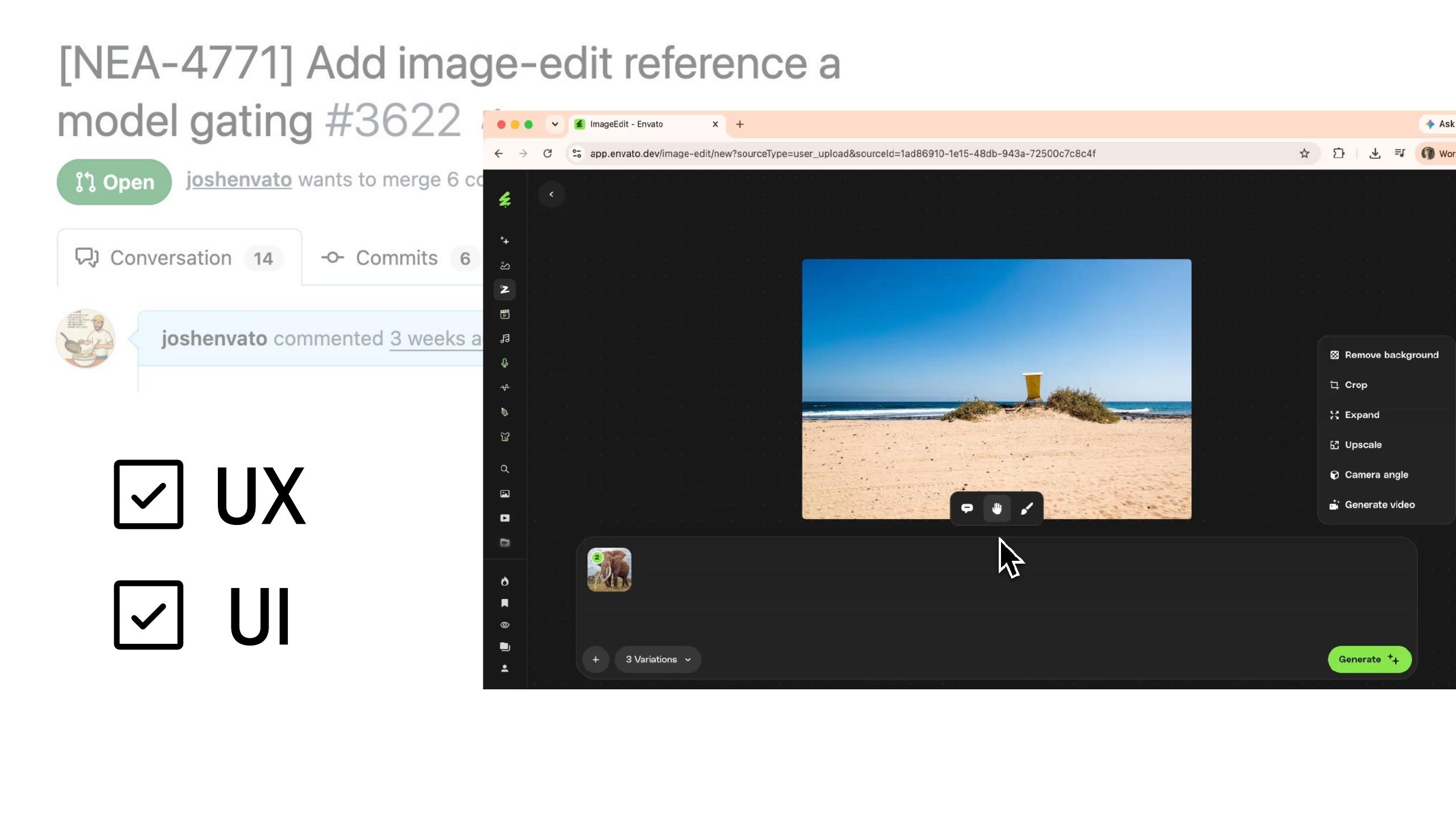
41Expressing UX/UI shortfalls via a PR → next habit: Collaboration
understand when there might be UX or UI shortfalls and have a PR that sort of expresses that. Okay so collaboration is my last habit it's obviously a very core part of being a designer
Habit #3 — Collaborate
42HABIT #3 — Colab (a collaborator throughout my career)
as being a strong collaborator and it's been with me right through my career like I really
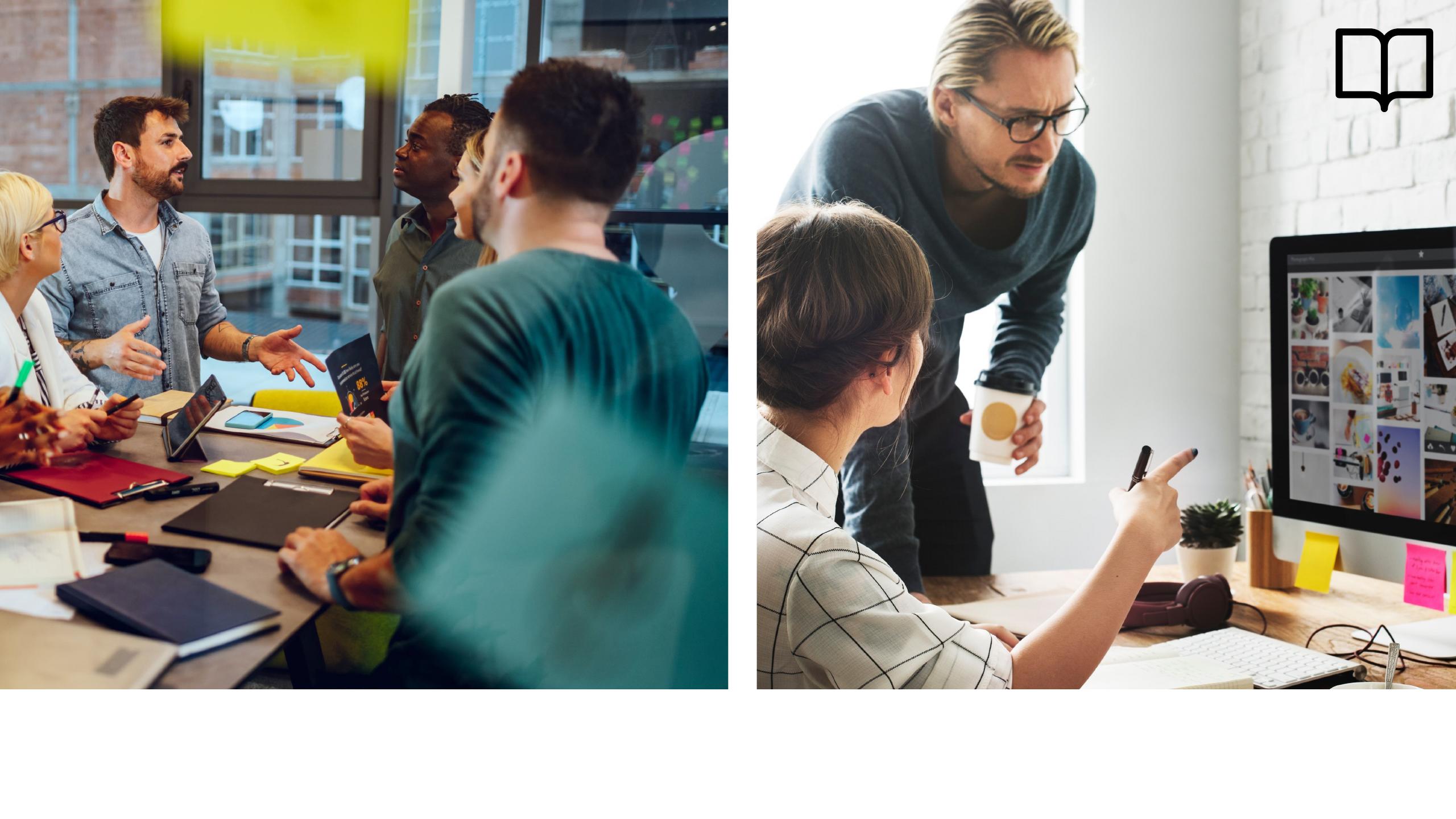
43Print: editorial meetings, an editor proofreading at my desk
enjoyed my editorial meetings that I would get to attend as a print designer we congratulate each other on the last issue and then immediately get stressed out about the next one collaboration looked like you know an editor coming in sitting at my desk and proofreading copy while I finished off for InDesign for spread that was like a real intimate and fun example of collaboration
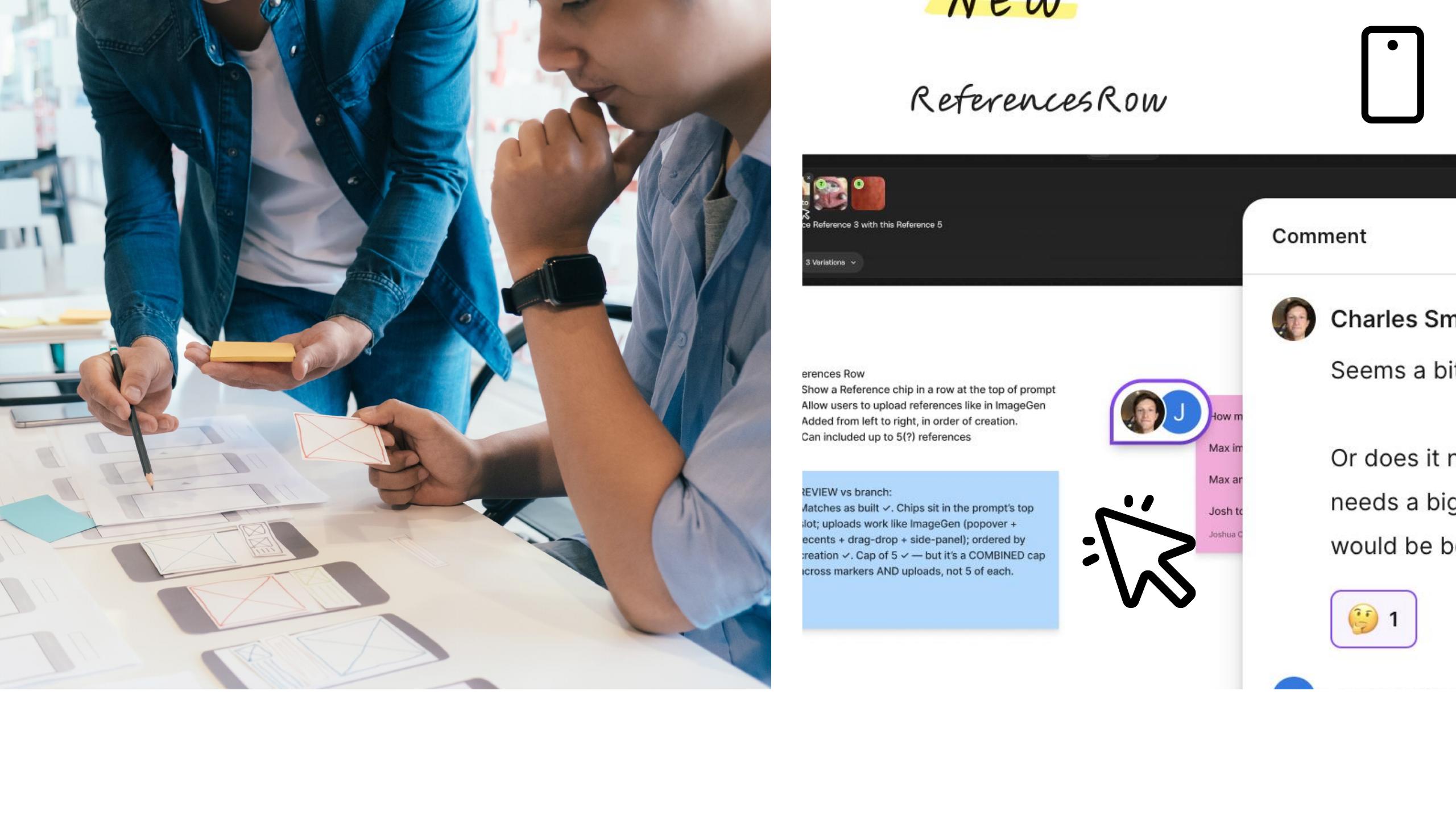
44Digital: butcher's paper, sticky notes, Figma / FigJam
and this is another fun example of collaboration during my butchers paper you know sticky notes markers all these fun things we like to tease each other about now but so fun for like actually coming up with ideas and and then even tools like Figma and FigJam have these great collaboration features and I feel very productive collaborating in them today.

45??? — AI collaboration still feels awkward / unresolved
With AI though I don't feel the fun with the collaboration to be completely honest I'm not sure what good collaboration looks like in AI yet I think it's kind of awkward in and we're all sort of stepping on each other's toes and it's difficult taking ideas that we build individually you know we have these fantastic productive experiences on our computer but then they don't necessarily translate into artifacts that are easy for other people to reason about our experience so this is like a new habit or a new capability I'm trying to navigate and get informed about I think an example of this is and part of this is
46"Make the next person faster" — make others' jobs easier
because I have like high standards for what good collaboration means like I think you know as becoming an engineer and taking that into my title I've reflected on how I really love this quality of engineers that you know they're very obsessed with making the next engineer faster the next engineer's job safer the next engineer jobs more pleasant and productive I think it's a lovely quality and when I reflect on what the opportunity is in AI I also reflect on not using it to make my my own life easier but to make other people's lives and jobs easier as a primary goal and so what's an example of that well here is my prototype
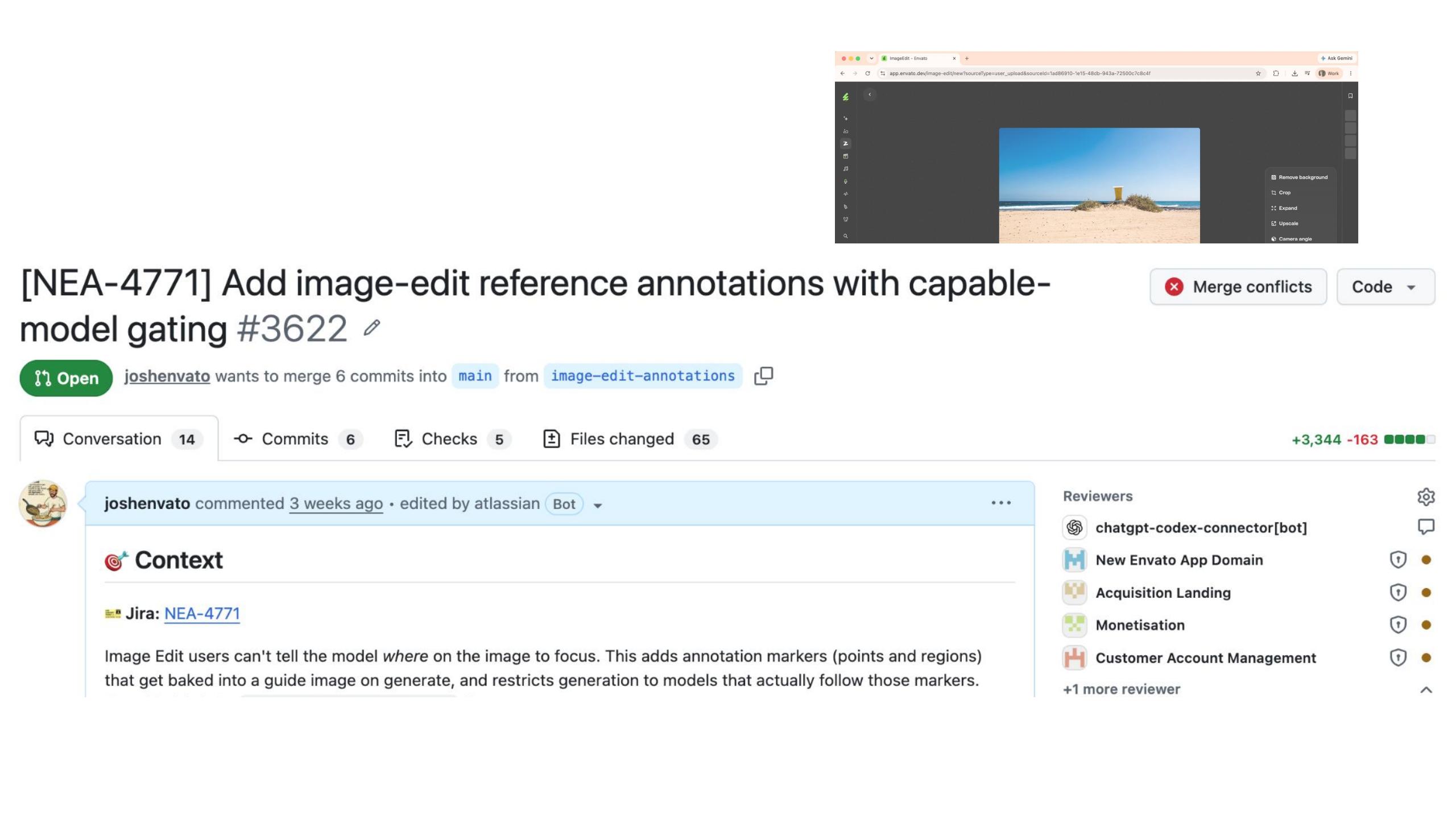
47My proud production PR… actually has a lot of problems (a meaty PR)
from before that I was very proud to have spun up in the production code base and when we really look at it there's a lot of problems here like this thing is a very meaty PR there's
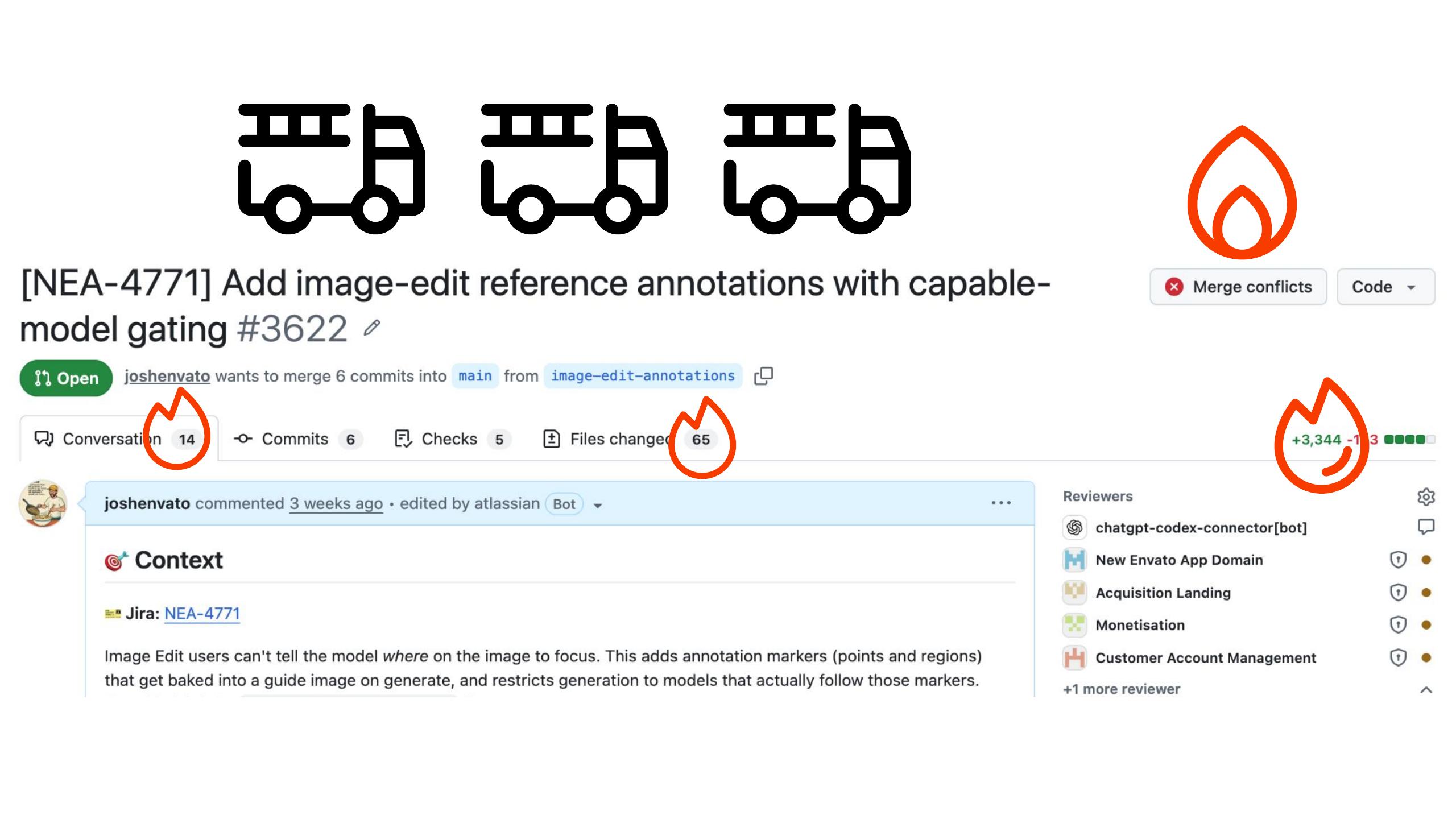
48Merge conflicts, too many changes — chunky for someone to unpack
so many changes and so many lines of code there's merge conflicts and it's just would be a very chunky bit of work for someone to sit down and sort of unpack this whole journey I've been on just by looking at this PR and in a way if we need to remember that you know
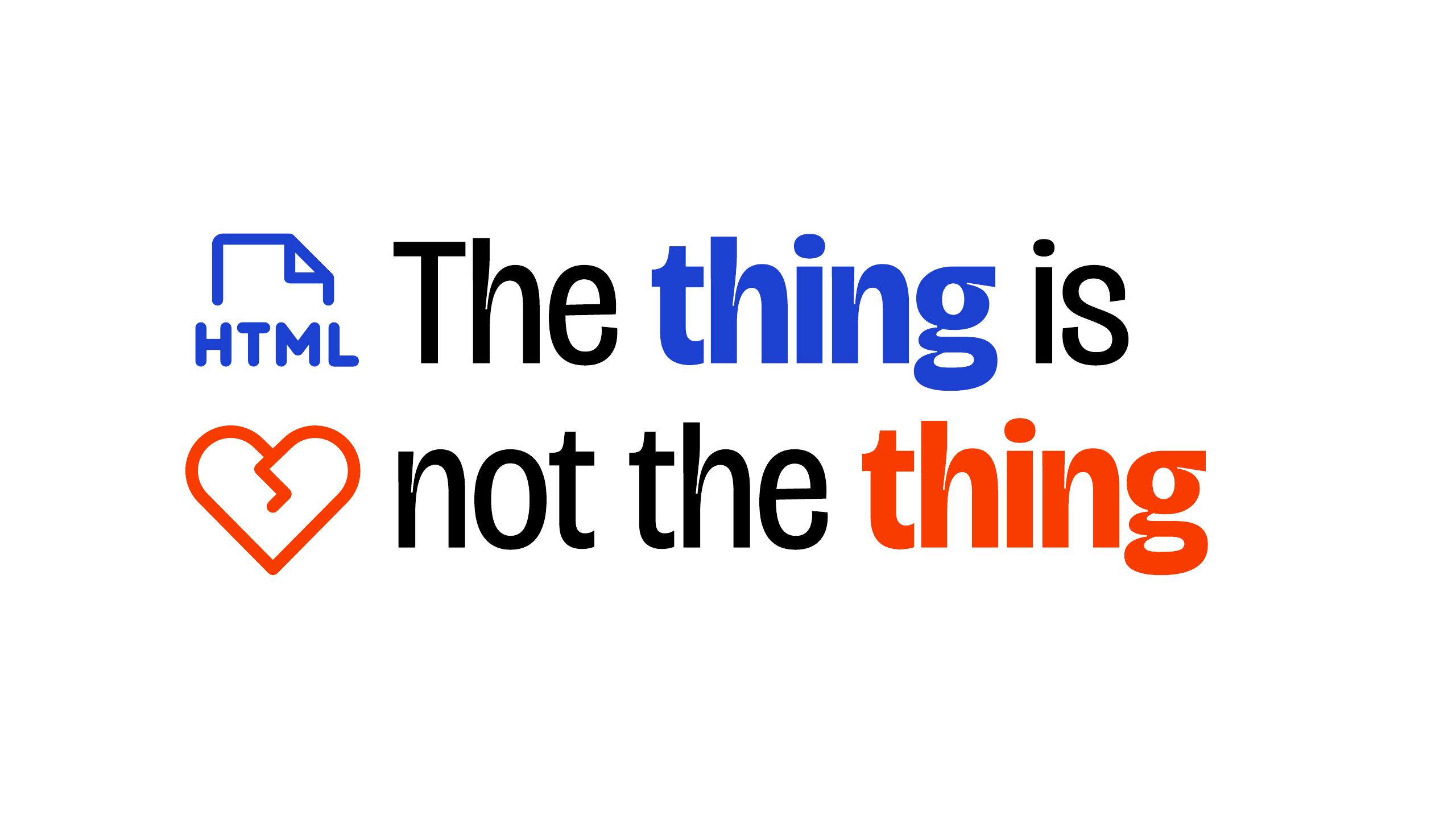
49"The thing is not the thing" — the thing is team alignment
just because I can build the thing that's not the thing the thing is actually the alignment that the team and us share it's not the feature it's not the spec it's really the conversations in the journey that we're all on it's not that magazine that came out last month it's the magazine that's going to come out in the other months and being able to internalize that and really you know feel that responsibility of wanting to be part of a communication it's confusing because we can make things really fast now but they're not the thing I'm sure you get what I'm saying but just to be really clear like you got to burn down that HTML
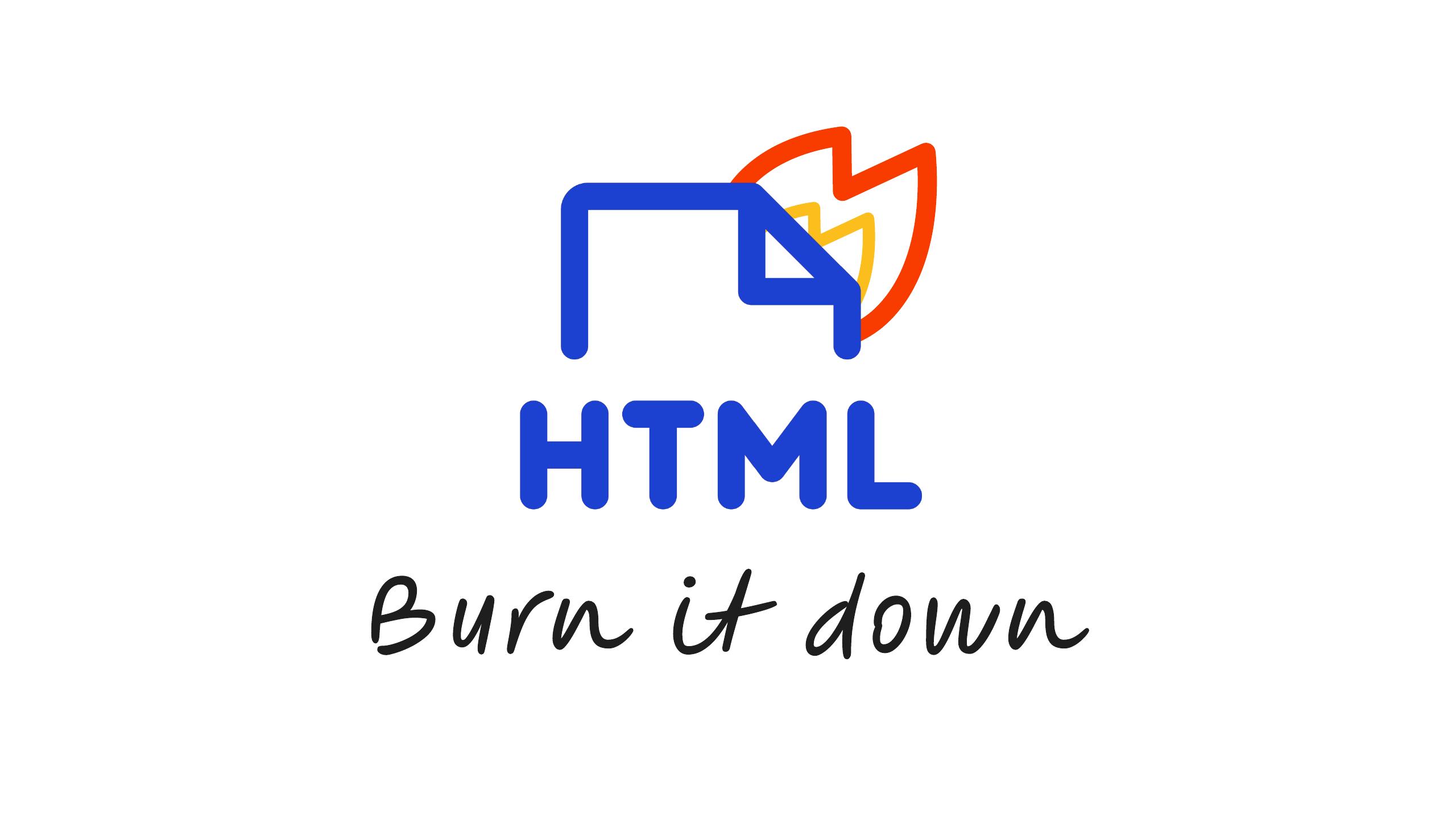
50"Burn it down" — take the idea and lay out the pieces
you got to really take that idea and just because you can build something really complex and amazing and interesting it's not going to be the thing that comes across so burning it down really looks like this just sort of taking all the pieces of it laying them out
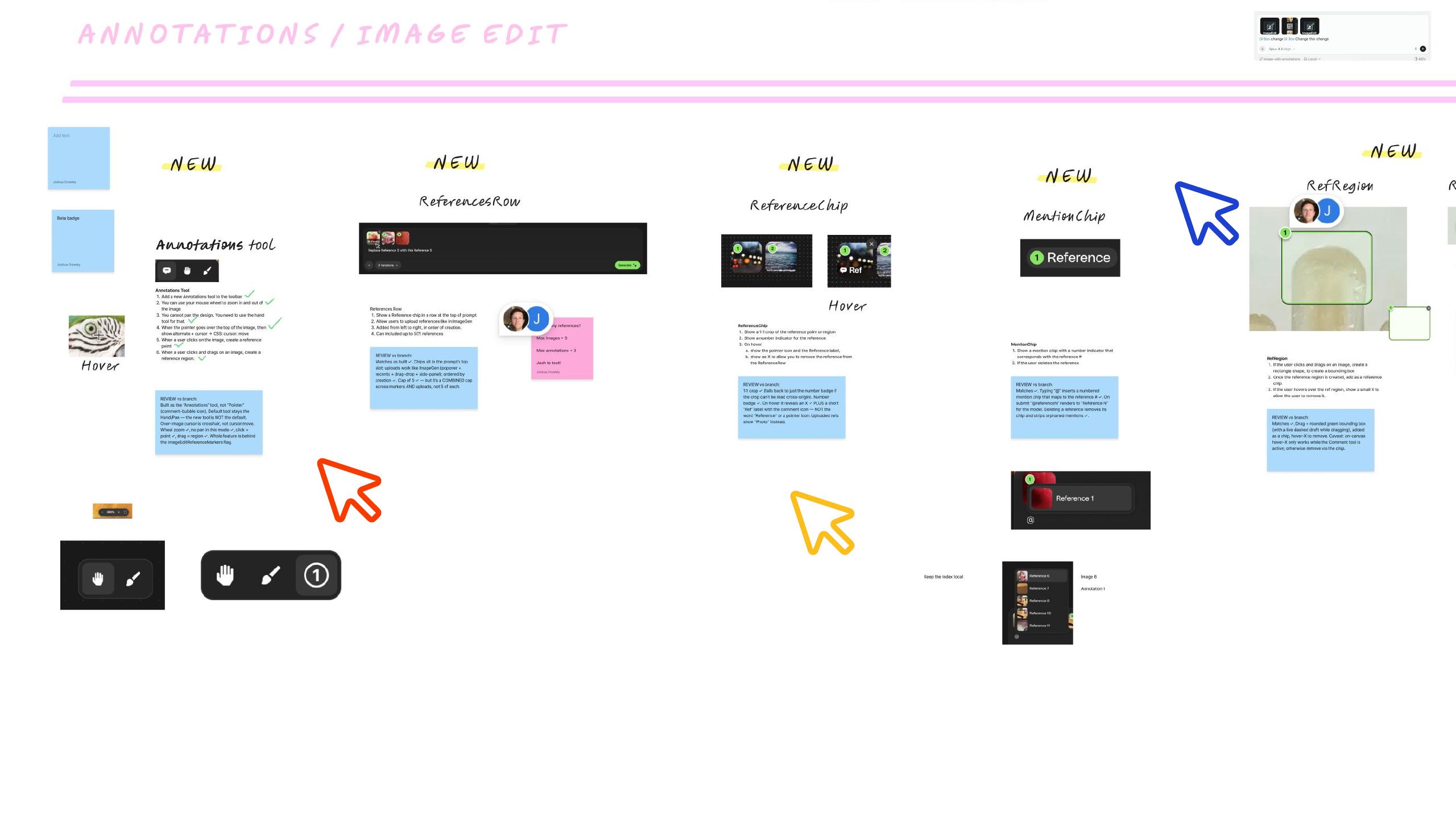
51Name the pieces; invite input (in / out of scope)
giving them names so getting into the details of what they represent and then giving people an opportunity to have input to be like that's out of scope that doesn't make sense would you try it this way would you try it that way and soliciting feedback and input to sort of make sure that everyone can have what they need and then the most basic way it looks
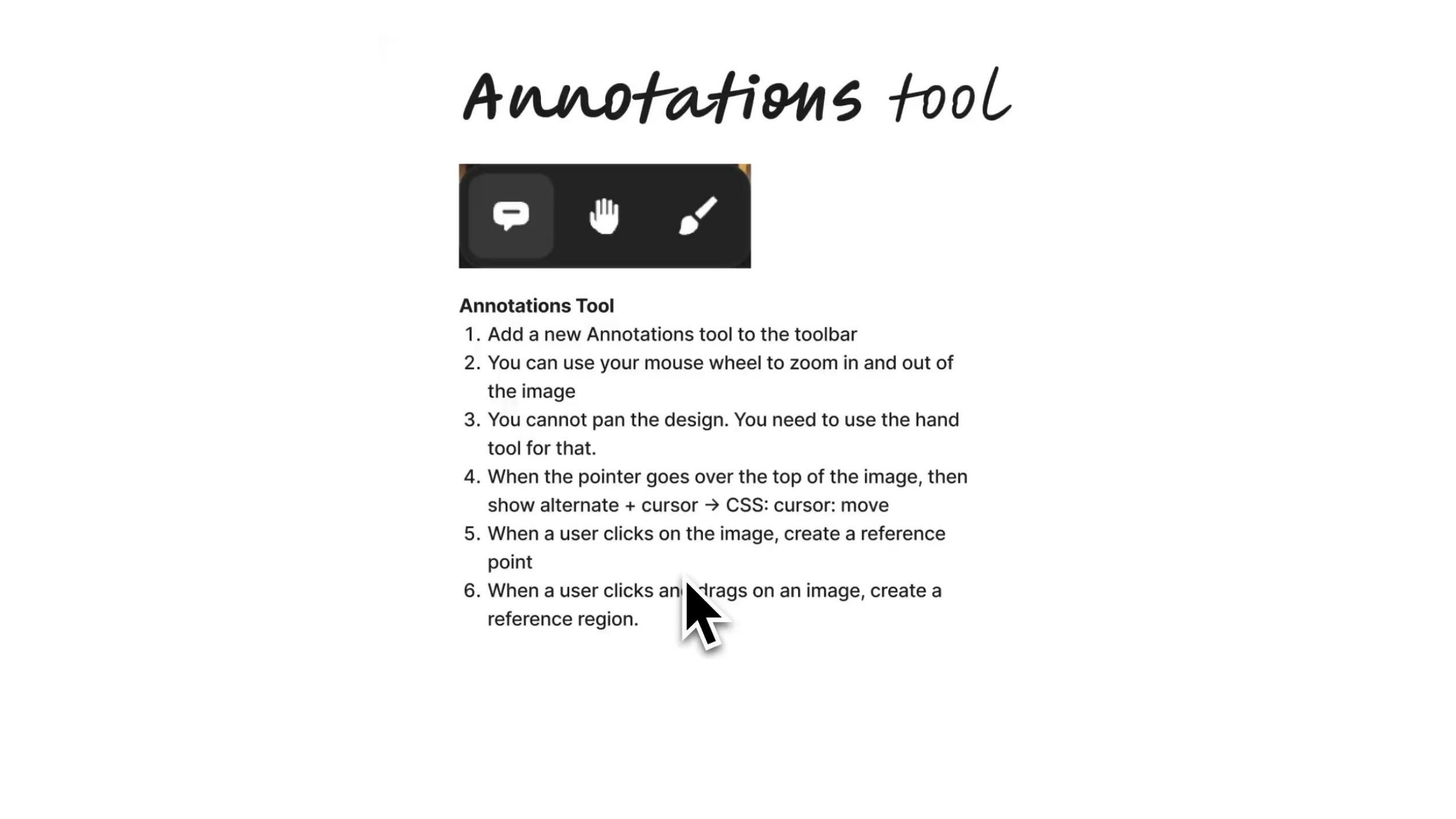
52Favourite exercise: write down what each feature does; agree & be accountable
like this this is like one of my favorite exercises it's just to sit down you know in a meeting and write down exactly what each feature is trying to do and being able to like agree and disagree on points and then being accountable to that I think that's like a really important exercise to do as a team another thing I do and I've really enjoyed
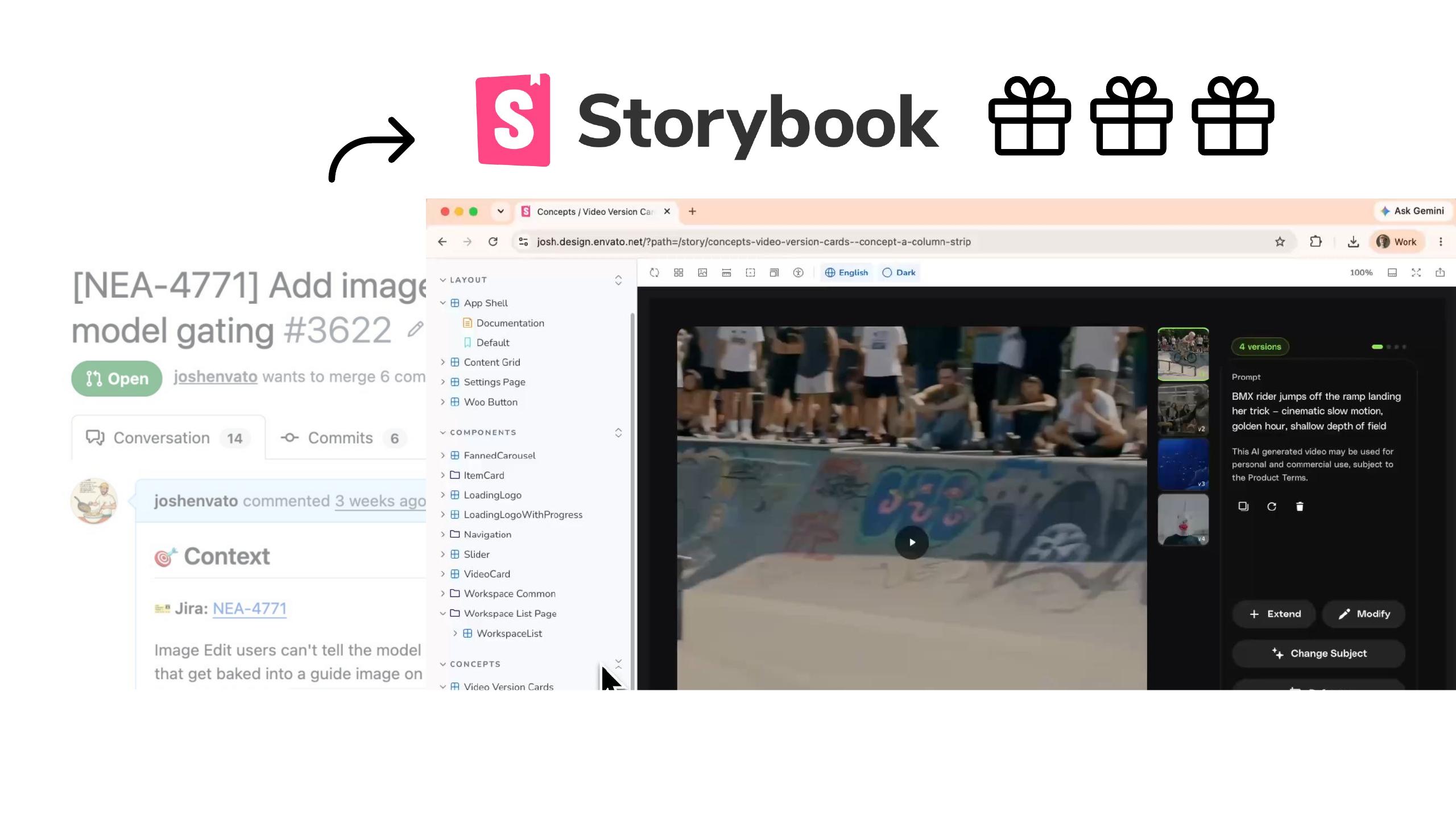
53Storybooks: portable, cherry-pickable "little gifts" of momentum
is sort of making these things good storybooks for specific parts of a PR or a feature and storybooks are quite portable you can bring them along into a production code base you can sort of cherry pick them out of someone else's PR into your own PR and then that way they're like little gifts that actually give you momentum and then you can decide on how the storybooks and the code within them actually become part of the code base on your own terms
54Draft PRs for consideration by a broader group of stakeholders
another very important thing is like you don't even have to and so in this fashion a lot of the PRs are making and in draft and they're really for consideration by a much broader group of stakeholders which are going to look at my UI and UX ideas with their own context of what they want to bring across and I think that's like a not a bad outcome okay so the
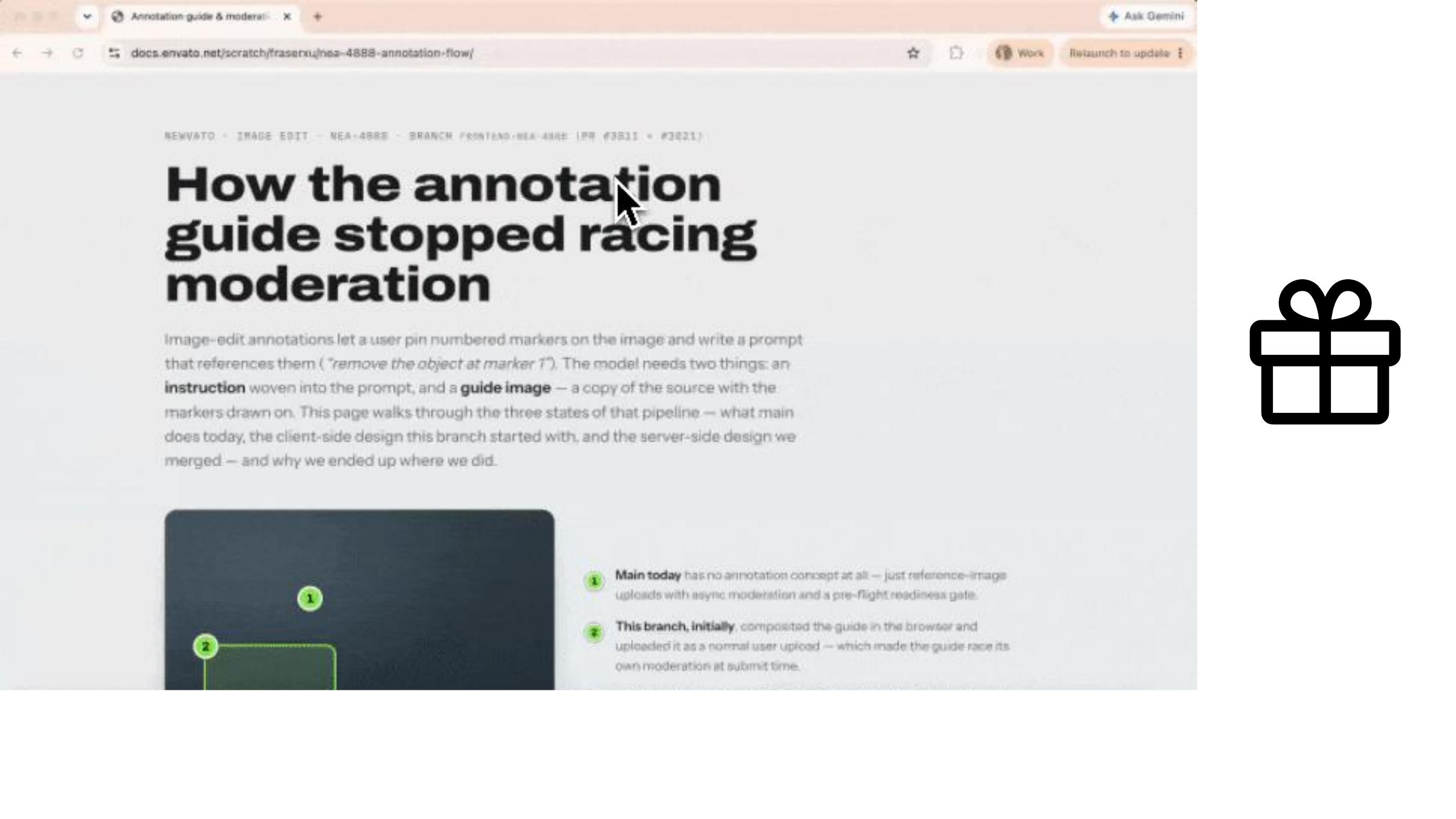
55The payoff: getting an HTML doc back from colleagues
last thing is with this collaboration thing is that I got this HTML doc the other day from some colleagues and they had taken the time to sort of take a conversation that they'd had about a feature I was working on and really jump into the details of the technical challenges they had with implementing it and it was so cool to get an HTML doc back because you know I love HTML and that lets me like really reason about you know the challenges in this implementation and it gives them momentum too that they don't have to sort of spend a lot of time explaining to me the concepts so that's so great that we can have this sort of exchange alright
Close
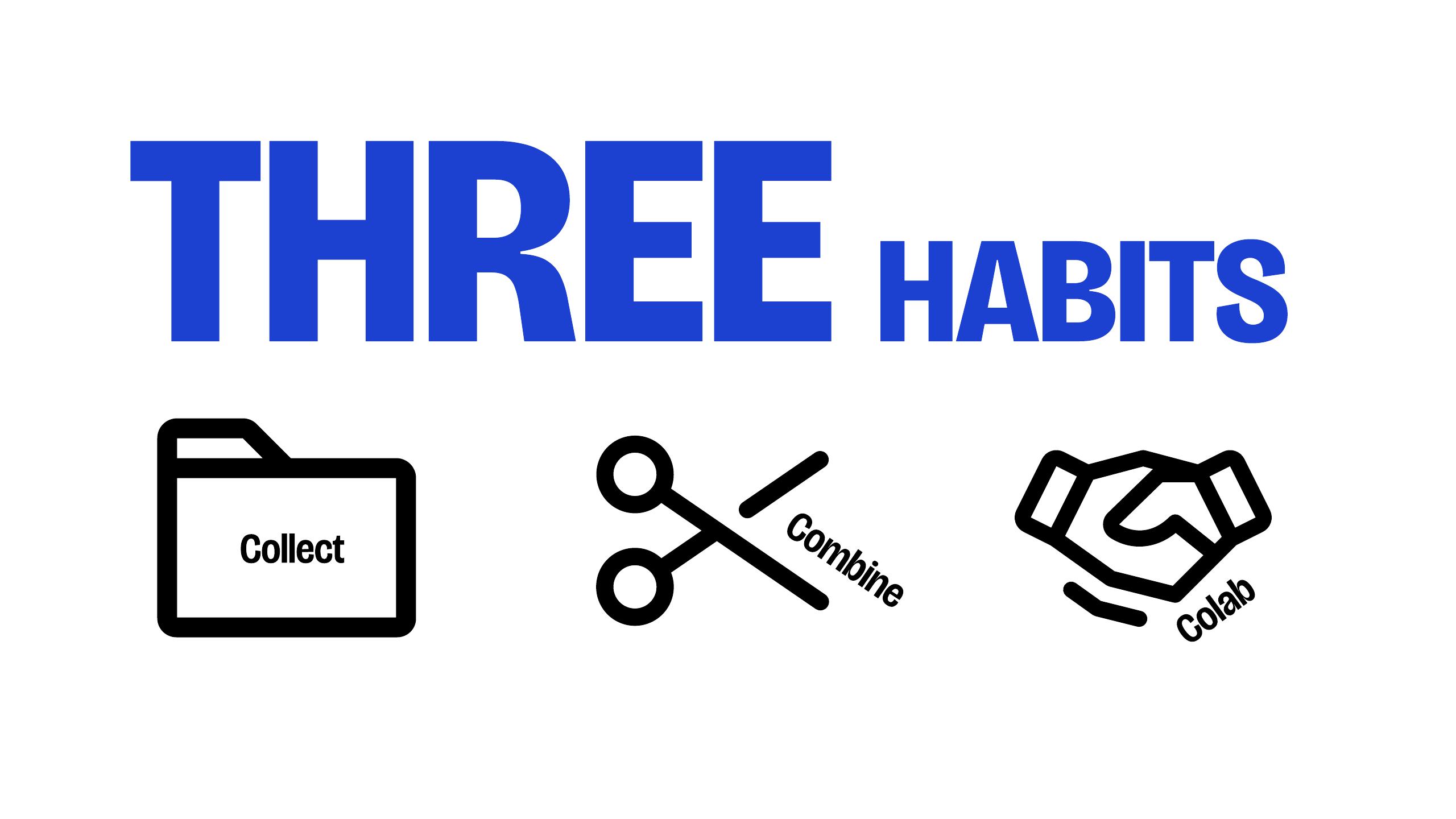
56Recap: the THREE HABITS — give the HTML thing a crack
so the three habits I've been building up over my career you can see them coming across and I really hope you give the HTML thing a crack do you think it's like a keystone
57A keystone habit in the AI age
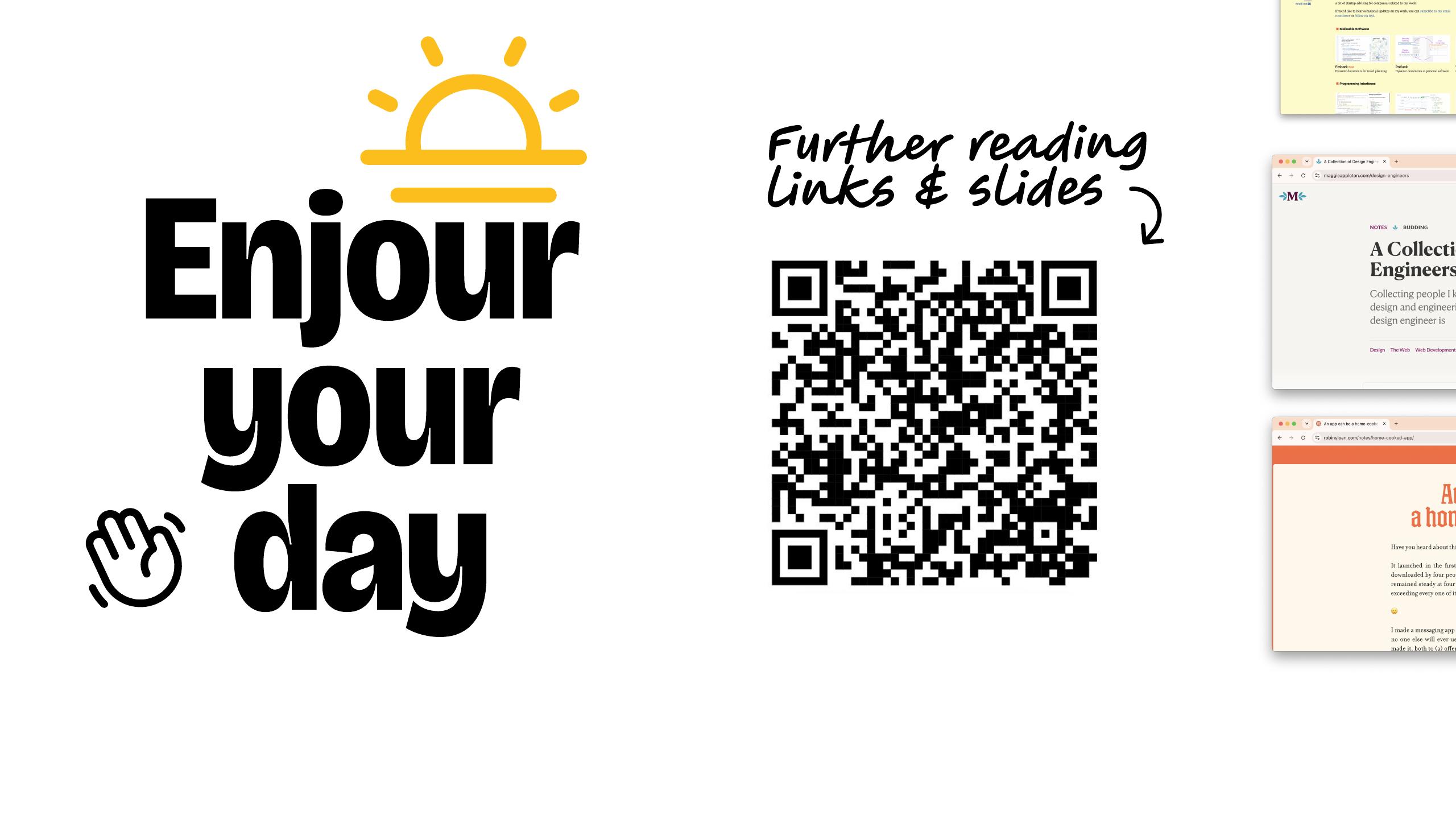
habit in this AI age and if you're looking for more resources to get you started on that
58Further reading — links & slides. Thank you!
journey I've got a link here with links to the slides some further reading and I really hope you enjoy the rest of your day thank you
Thanks for coming along — enjoy the rest of your day. 👋